
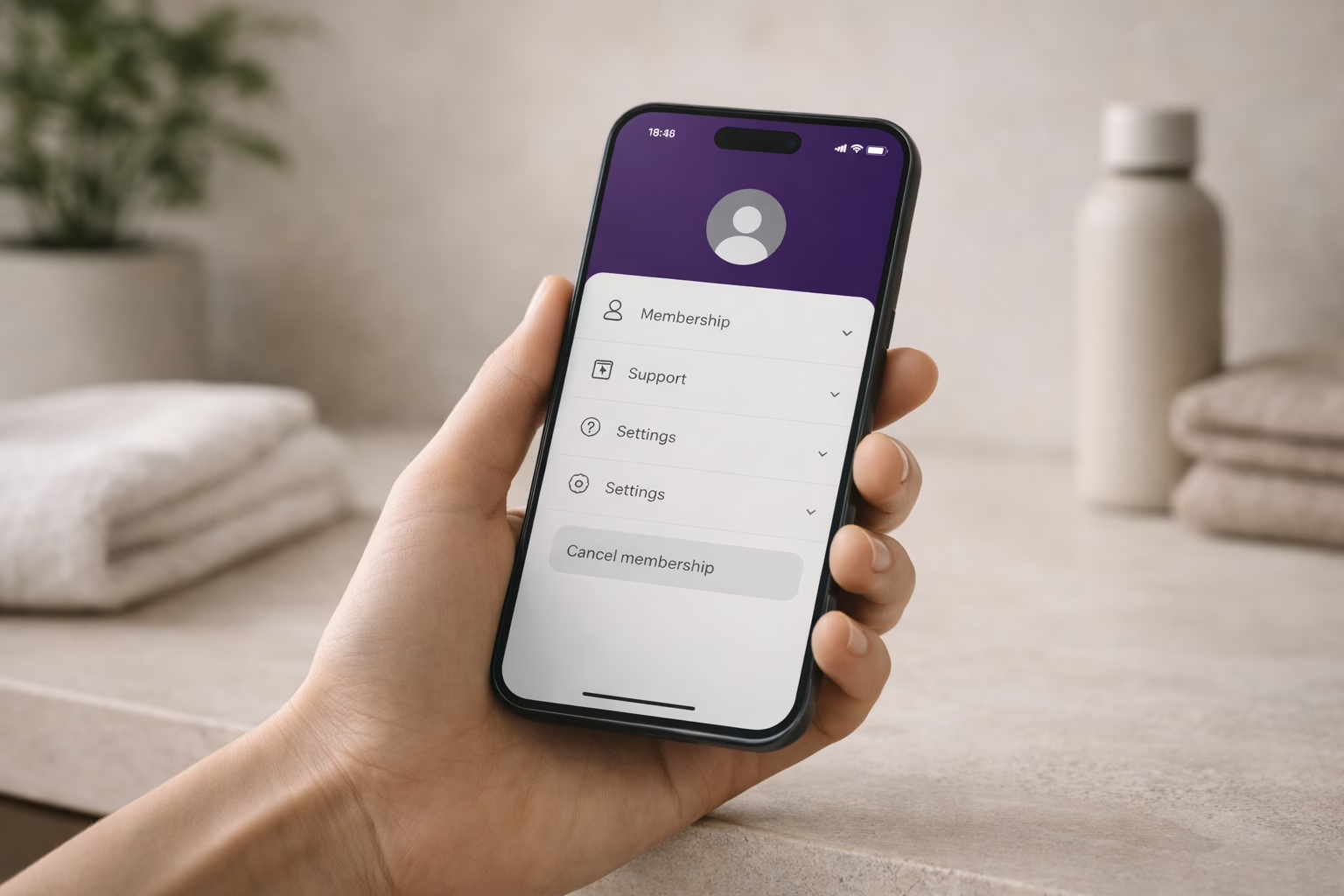
If you’ve decided it’s time to part ways with Planet Fitness, don’t worry – canceling your membership is a straightforward process. Whether you’re relocating, switching gyms, or just need a break, here’s a simple guide on how to cancel your Planet Fitness membership, including the timing, potential fees, and what you need to know.
What is Planet Fitness?
Planet Fitness is one of the largest and most popular fitness chains in the United States, known for its affordable membership options and accessible gym environments. It aims to create a welcoming and non-intimidating atmosphere for individuals of all fitness levels, from beginners to experienced gym-goers. The company has grown significantly and now boasts thousands of locations across the U.S. and internationally.
For many, Planet Fitness provides an easy and affordable way to stay active without the high costs or intimidation often associated with traditional gyms. Whether you’re looking to get fit, maintain a healthy lifestyle, or simply enjoy a workout in a relaxed setting, Planet Fitness is designed to make fitness accessible to all.
Why Cancel a Planet Fitness Membership?
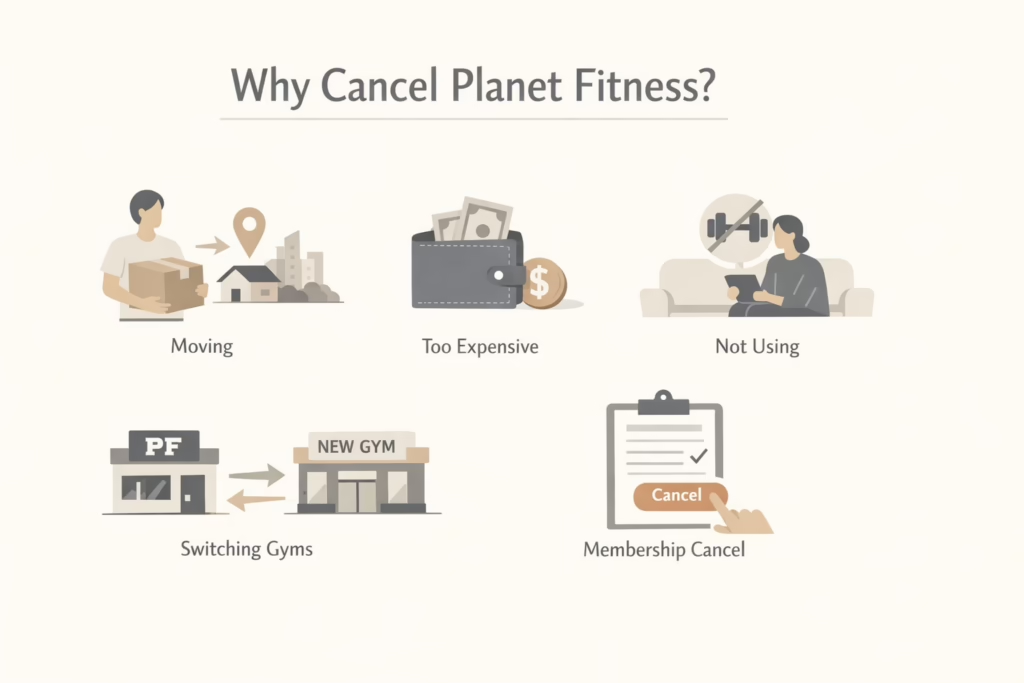
Before we dive into the cancellation process, let’s take a quick look at why you might want to cancel your Planet Fitness membership. There are a variety of reasons people cancel their memberships:
- Relocation: If you’re moving to a new city or town, it might not be feasible to continue with your current membership, especially if there’s no Planet Fitness near your new home.
- Financial reasons: Sometimes, people need to cut back on spending, and gym memberships are often one of the first things to go.
- Lack of use: If you’ve found that you’re not using your membership as much as you thought you would, canceling might be the right move.
- Switching gyms: Perhaps you’ve found another gym that better fits your needs, whether that’s due to location, amenities, or a specific workout program.
Whatever your reason may be, canceling your Planet Fitness membership is fairly simple, provided you follow the right steps. Let’s go over those steps now.
How to Cancel Your Planet Fitness Membership
Planet Fitness offers several ways to cancel your membership, but the process can vary depending on your location and the type of membership you have. Here’s a breakdown of the different methods:
1. Canceling In Person
One of the most straightforward ways to cancel your Planet Fitness membership is to visit the club in person. Here’s how you can do it:
- Go to your home club: You’ll need to visit the specific Planet Fitness location where you originally signed up. They won’t allow you to cancel at any other location.
- Speak with a staff member: Let the staff know that you’d like to cancel your membership. They will walk you through the process and help you fill out any necessary forms.
- Get a written confirmation: It’s always a good idea to ask for a written confirmation of your cancellation request, just in case there are any issues down the line.
Keep in mind that some locations may have different policies, so it’s always worth calling ahead to confirm their procedures.
2. Canceling Online
Planet Fitness also allows you to cancel membership online. If you have a membership that can be managed through their online portal, you can log in and follow the steps to cancel.
Here’s what you need to do:
- Log in to your account: Go to the Planet Fitness website and log into your member portal.
- Find the membership management section: Once logged in, navigate to the “Manage Membership” section of the website.
- Submit your cancellation request: Follow the prompts to cancel your membership. You’ll likely need to confirm your identity and provide any necessary details.
3. Canceling by Mail
If you prefer to handle things by mail, you can also cancel your Planet Fitness membership by sending a written request to your home club. Here’s how:
- Write a cancellation letter: Draft a letter that clearly states your request to cancel your membership. Include your full name, membership ID, and any other details that may help identify your account.
- Mail the letter to your home club: Send the letter to the Planet Fitness location where you signed up. You should also keep a copy for your own records.
- Wait for confirmation: Once the gym processes your cancellation request, they should send you a confirmation, either by mail or email.
This option might take longer, so if you’re trying to cancel quickly, you may want to choose one of the other methods.
Key Points to Keep in Mind
When canceling your Planet Fitness membership, there are a few important details to keep in mind:
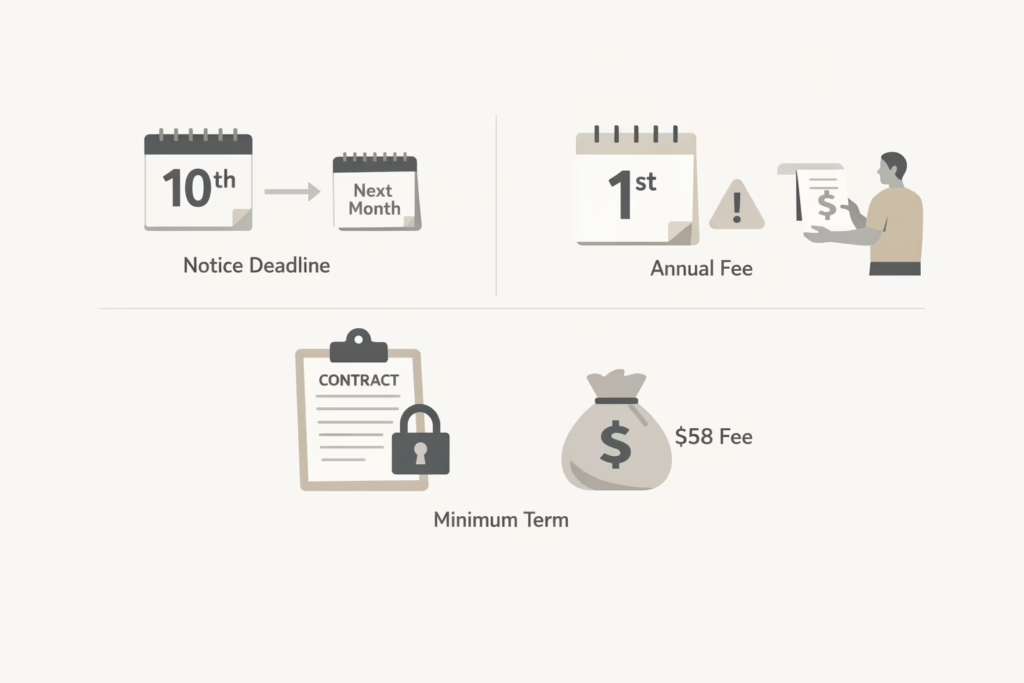
- Notice period: To stop billing for the next month, you’ll need to give notice by the 10th of the month. If you cancel after the 10th, your payment for the following month may still be charged.
- Annual Fee: Planet Fitness members who have an annual fee will need to cancel at least a month before the annual fee is due to avoid being charged. For example, if your annual fee is due on the 1st of the month, you’ll need to cancel by the 25th of the previous month.
- Minimum Term: If your membership has a minimum term (such as a contract), you might be required to pay a buyout fee if you cancel before the contract is up. This fee is $58.
What Happens After You Cancel?
Once you’ve submitted your cancellation request, you might be wondering what happens next. Here’s what you can expect:
Confirmation
Planet Fitness will send you a confirmation of your cancellation, either by mail or email. This confirmation is crucial, so make sure to keep it for your records in case any issues arise later on. It’s always a good idea to double-check that your cancellation was processed correctly, especially if you’re concerned about future payments.
Final Payment
If you’re within a billing cycle, you might still be charged for the current month. For example, if you cancel after the 10th of the month, it’s likely that you’ll still be billed for the upcoming month. However, after that payment is processed, your membership will be officially terminated, and no further payments will be charged. Keep an eye on your bank statements to ensure that no additional charges pop up after your cancellation.
Access to Your Account
Depending on your cancellation method and the timing of your request, you may still have access to the gym until the end of your current billing cycle. For instance, if you cancel in person or online before the start of a new billing cycle, you can continue using the gym until your membership period ends. If you’ve canceled by mail or after a certain date, make sure to check with your home club about whether you can still use the facilities until your cancellation is officially processed.
Common Issues When Cancelling a Planet Fitness Membership
Even though canceling your Planet Fitness membership is relatively straightforward, there are a few common issues that people run into:
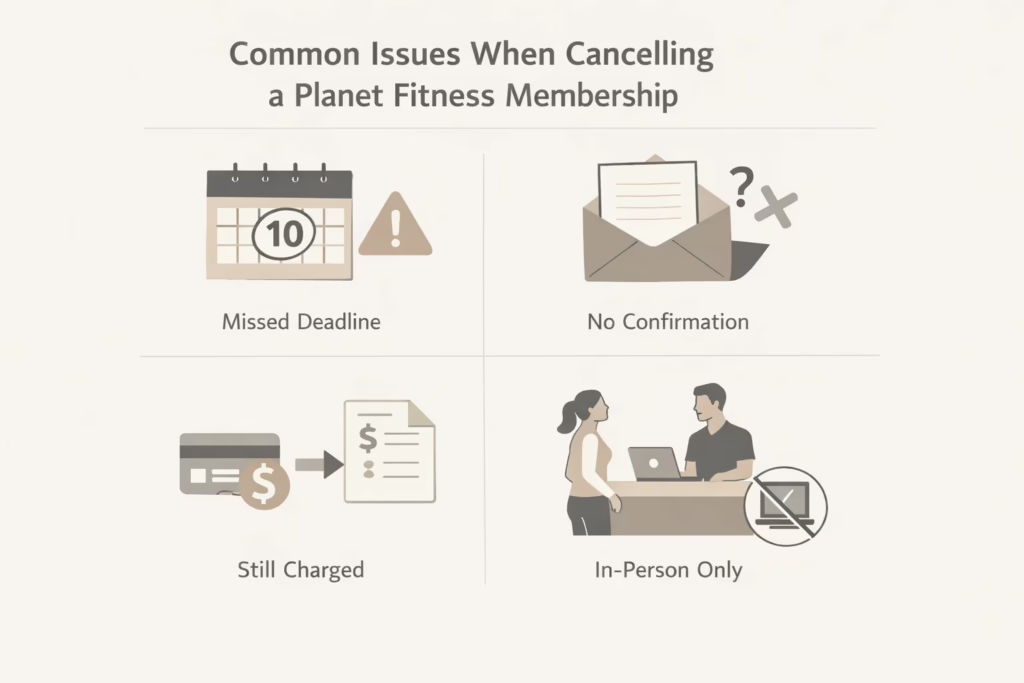
- Not cancelling in time: The most common issue is not giving the proper notice before the billing cycle starts. Make sure to cancel at least by the 10th of the month to avoid getting charged for the following month.
- Not receiving confirmation: Some members report not receiving confirmation of their cancellation request, which can cause confusion down the line. Always ask for written confirmation.
- Ongoing billing after cancellation: Occasionally, memberships continue to be billed even after the cancellation process has been initiated. If this happens, reach out to your home club immediately to resolve the issue.
- Inability to cancel online: Sometimes memberships cannot be canceled online. If you encounter this issue, be prepared to visit your home club in person or send a cancellation letter by mail.
Conclusion
Canceling a Planet Fitness membership is generally a simple process, but it’s important to follow the proper steps to avoid unnecessary fees or confusion. Whether you choose to cancel in person, online, or by mail, make sure you understand the requirements and timing to ensure a smooth cancellation process. Always keep track of your cancellation confirmation and be mindful of any potential fees that may apply to your specific membership.
By following this guide, you should be able to cancel your Planet Fitness membership with ease and move on to your next fitness adventure.
FAQ
1. How do I cancel my Planet Fitness membership?
Canceling your Planet Fitness membership is pretty simple. You can do it in person, by mail, or online.
2. Will I be charged after I cancel my Planet Fitness membership?
Once you cancel your membership, you won’t be charged for the upcoming months unless you’re in the middle of a billing cycle. If you’re canceling before the 10th of the month, you shouldn’t be charged for the next month’s fee. However, if you cancel after the 10th, the next payment may still go through. It’s important to double-check your cancellation confirmation to make sure you’re all set.
3. Can I cancel my membership if I have an annual fee?
Yes, you can still cancel your membership even if you’ve been charged the annual fee. However, if you want to avoid paying the fee for the next year, you’ll need to cancel by the 25th of the month before the fee is due. If you’re within a billing cycle, just cancel as soon as possible and you’ll stop future charges from being applied after your current cycle ends.
4. What happens if I miss the cancellation deadline?
If you miss the deadline for canceling your monthly membership (the 10th of the month), you may still be charged for the next month. If that happens, you’ll have to wait until the following cycle to officially stop payments. It’s a good idea to keep an eye on your account and reach out to your home club if you notice any issues.
5. Can I cancel my Planet Fitness membership at any location?
Unfortunately, no. To cancel your membership, you must go to your home club – the location where you originally signed up. You can’t cancel at any other location, so make sure you know which club handles your membership. If you’re unable to visit in person, canceling by mail or through the online portal are other options.
6. Are there any fees for canceling my membership early?
If you’re on a contract with a minimum term, you might be required to pay an early cancellation fee. This is typically a buyout fee, which is usually around $58. If you’re unsure whether you’re locked into a contract or what the fee might be, it’s best to contact your home club and ask for clarification.
7. Can I reactivate my Planet Fitness membership after canceling?
Yes, you can reactivate your Planet Fitness membership at any time. If you decide to return, you can either visit your home club or sign up online again. Keep in mind, if you rejoin, you might be subject to a new membership agreement, and you could be paying a different rate depending on the current offers at the time.