

Canceling a Crunch membership is not complicated, but it can feel unclear if you do not know where to start. Crunch has different rules depending on how and where you signed up, and that detail makes all the difference.
Some people can cancel with a few clicks. Others need to visit their home gym or submit a written request. This guide walks through what actually matters, what to check before you cancel, and how to make sure the membership is truly closed so you do not see surprise charges later.
If you are done with the gym or just need a reset, this will help you exit cleanly and move on.
First, Understand What Kind of Crunch Membership You Have
Crunch Fitness operates mostly through franchised gyms. That means not every location follows the exact same rules. The basics are similar, but the details live in your membership agreement, not on a generic help page.
Before you try to cancel anything, take five minutes to answer these questions:
- Which location is your home club?
- Did you sign up in person, online, or during a promotion?
- Is your membership month-to-month or part of a longer commitment?
- Are you paying Crunch directly, or through a third-party service?
This information determines which cancellation methods are available to you and which ones will lead nowhere.
If you are unsure, your home club address and billing details usually appear on your bank statement or in the emails you received when you joined.
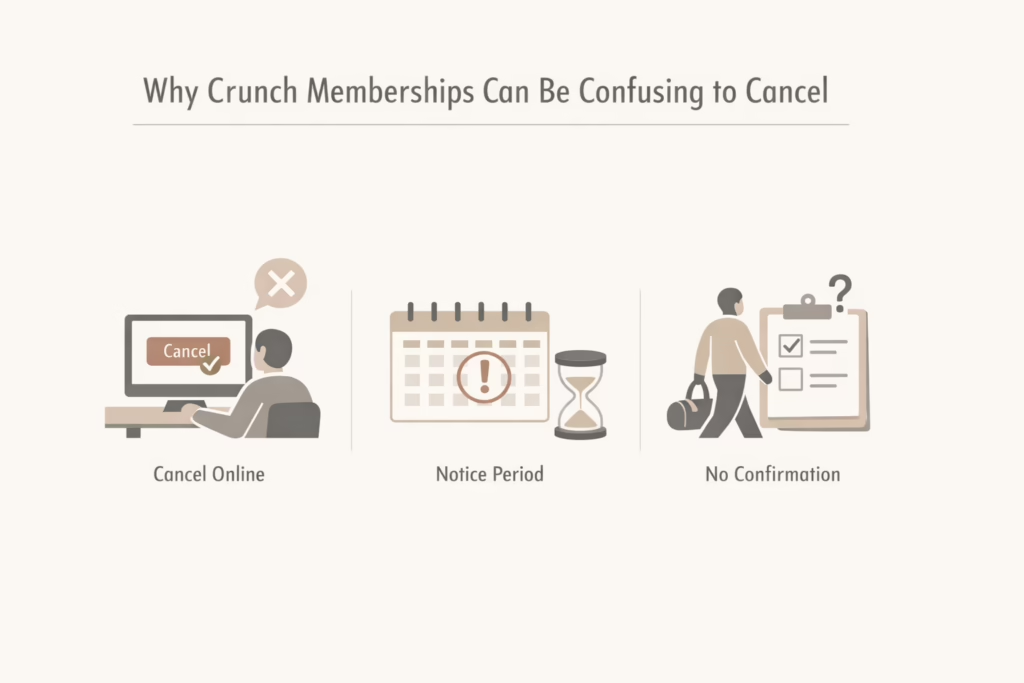
Why Crunch Memberships Can Be Confusing to Cancel
Crunch is not unique here, but it is consistent. Most standard gym memberships cannot be canceled fully online. Even if you start the process on the website, many locations still require an in-person visit or written confirmation.
There are three main reasons people run into trouble:
- They assume the app or website cancel button ends everything.
- They do not account for the notice period.
- They leave without proof that the request was processed.
None of these issues mean Crunch is impossible to cancel. They just mean you have to follow the correct path for your specific membership.
Read Your Membership Agreement Before Doing Anything Else
This part is not exciting, but it can save you money and time. Your membership agreement explains how much notice is required before cancellation, whether there are any early termination fees, and which cancellation methods your specific club accepts. It also clarifies if freezing the membership is an option instead of canceling outright. Skipping this step is one of the main reasons people end up paying for extra months they did not expect.
Some Crunch memberships allow cancellation at any time as long as proper notice is given. Others lock you into a longer term unless you meet certain conditions, such as moving away or having a medical reason. If you cannot find your agreement, ask your home club for a copy or search your email for the original confirmation. General advice can help, but the agreement is what actually governs your membership, and it always takes priority.
Can You Cancel a Crunch Membership Online?
This depends on the location.
Some Crunch clubs allow online cancellation requests through the website. Others only allow you to submit a request, not a final cancellation. In those cases, additional steps are required.
If online cancellation is available to you, the process usually looks like this:
- Log into your Crunch account
- Navigate to membership or billing settings
- Select cancellation
- Review any final charges
- Submit the request
- Save confirmation or screenshots
If your location does not support full online cancellation, the system will redirect you to contact your home club or cancel in person.
Do not assume submitting a request means you are done. Always confirm what happens next.
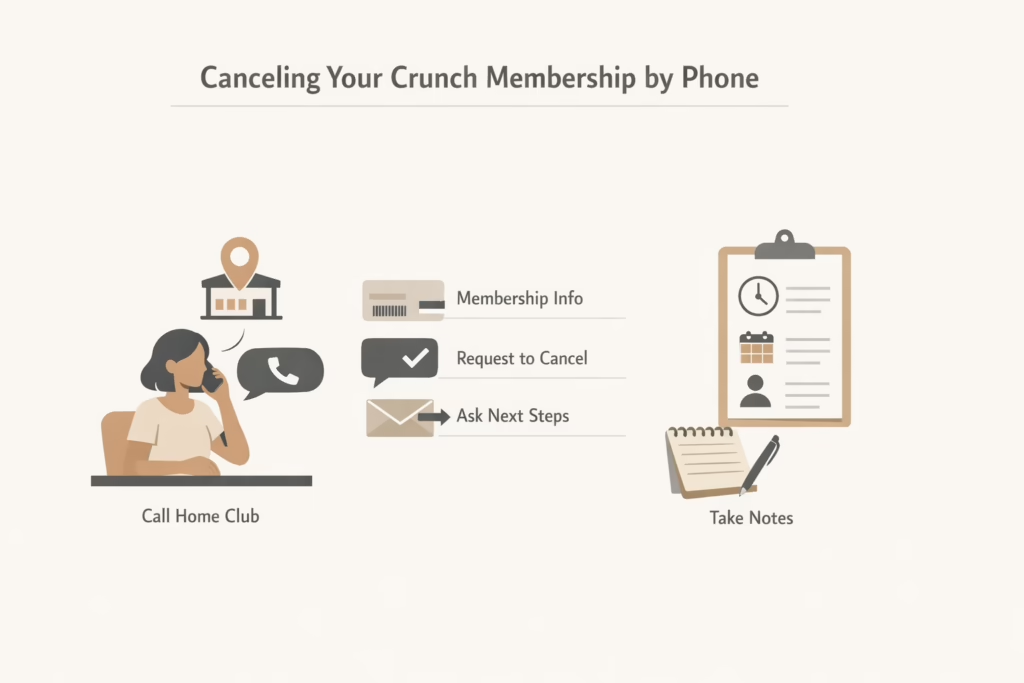
Canceling Your Crunch Membership by Phone
Calling your home gym can work, but results vary.
Some clubs handle cancellations quickly over the phone. Others will log the request but still require written confirmation or an in-person visit.
If you try this method:
- Call your specific home club, not a general support number
- Have your membership barcode or account email ready
- Clearly state that you want to cancel, not pause or freeze
- Ask what the next step is
- Request confirmation by email if possible
After the call, write down the date, time, and name of the person you spoke with. This sounds excessive until it is not.
Canceling in Person at Your Home Club
For many members, this is the most reliable option.
Going to the gym where you signed up allows you to complete the process face to face and leave with proof. It also avoids delays caused by emails or missed calls.
Here is how to do it properly:
- Visit your home club during staffed hours
- Ask the front desk to cancel your membership
- Complete any required cancellation form
- Verify the effective cancellation date
- Ask for a signed or stamped copy of the form
Do not leave without documentation. This is the most important step.
Staff may try to offer freezes, discounts, or plan changes. You can decline politely and stay focused on cancellation.
Canceling by Mail or Written Request
If you cannot visit in person, some Crunch locations accept cancellation by mail.
This usually requires:
- A written letter stating you are canceling
- Your full name and address
- Membership number or barcode
- Signature and date
Sending the letter via certified mail is strongly recommended. It provides proof of delivery, which matters if billing continues later.
Mailing addresses vary by club, so confirm the correct one before sending anything.
What Is the Notice Period and Why It Matters
Many Crunch memberships require advance notice before a cancellation takes effect. This means you may still see one final charge after you submit your request. For example, if you cancel on the 5th, your regular billing date falls on the 10th, and your agreement requires 30 days notice, that next payment can still be valid. It often feels like a mistake, but it usually is not. It is simply how the contract is structured. Knowing this ahead of time helps set the right expectations and avoids unnecessary frustration or disputes later.
Can You Freeze a Crunch Membership Instead of Canceling?
Some memberships allow freezing for a monthly fee.
Freezing pauses access and billing for a set period, often one to three months. This can be useful if you plan to return and want to avoid starting over.
However, freezing does not end the contract. Billing resumes automatically when the freeze period ends.
If you are unsure whether you want to quit long term, freezing can be a temporary solution. If you are done, cancellation is the cleaner choice.
How to Cancel Crunch Plus and App-Based Subscriptions
Crunch Plus is a separate digital subscription. Canceling it does not cancel your gym membership.
If you signed up through:
- Apple App Store, cancel through iPhone settings
- Google Play, cancel through Play Store subscriptions
- Crunch website, manage it through your online account
Always confirm that you canceled the correct service. Many people cancel the app and assume the gym membership is gone too. It is not.
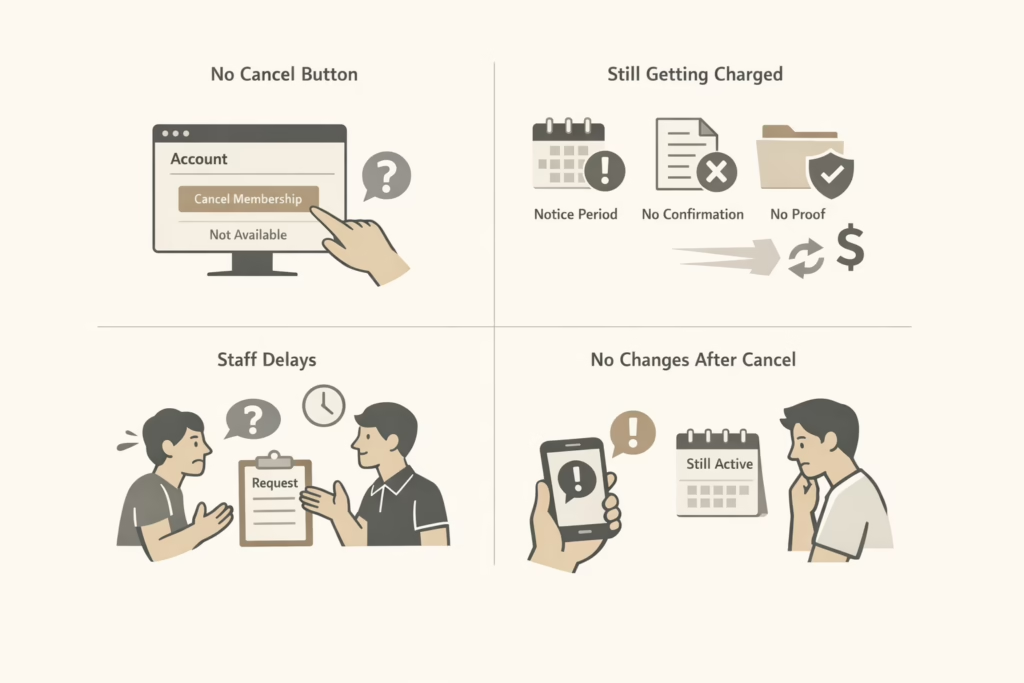
Common Problems People Run Into and How to Avoid Them
The Cancel Button Is Missing
This usually means your club does not allow online cancellation. It is not a glitch.
You Keep Getting Charged
This often happens when:
- Notice period was not completed
- Cancellation was not processed correctly
- Proof was never saved
- Contact the club immediately and provide your documentation.
Staff Keeps Delaying the Process
Stay calm and firm. Ask for a manager if needed. Written requests help here.
You Canceled, But Nothing Changed
Follow up within a week. Waiting longer only complicates things.
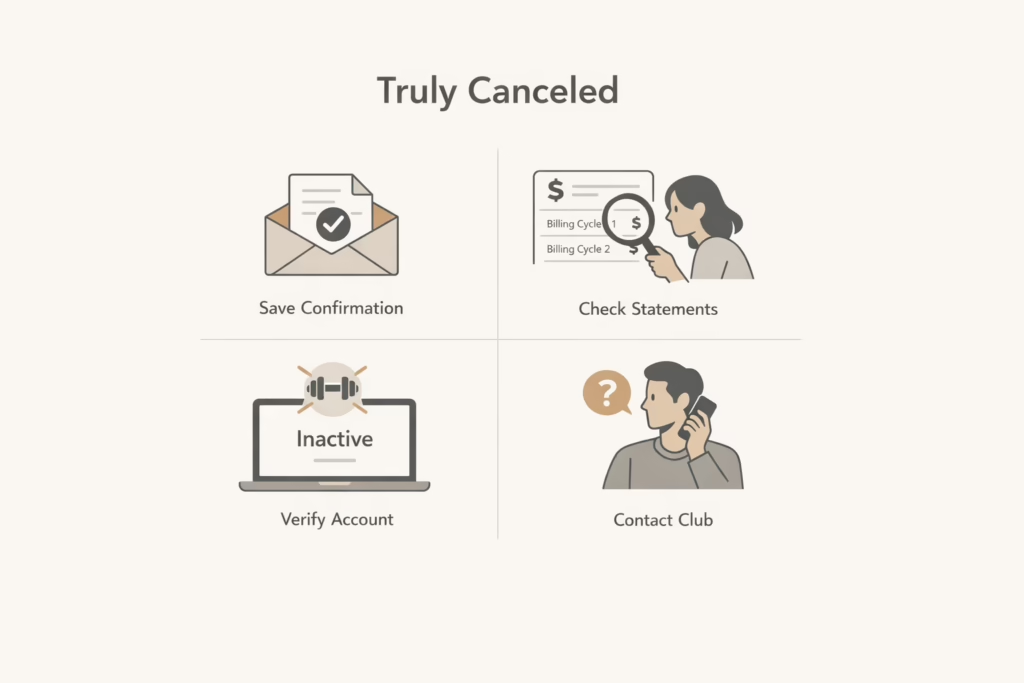
How to Confirm Your Crunch Membership Is Truly Canceled
After canceling, do not assume everything is finished.
Do these checks:
- Save confirmation emails or forms
- Monitor your bank statements for two billing cycles
- Log into your account to confirm inactive status
- Contact the club if anything looks off
This step is boring, but it works.
What to Do If Charges Continue After Cancellation
If you keep getting charged even after canceling your membership properly, act quickly and stay organized. Start by contacting your home club directly and share any proof you have, such as a cancellation form, confirmation email, or certified mail receipt. Ask them to confirm in writing that your membership has been canceled and to explain why the charge occurred. If the response is slow or unhelpful, request to speak with a manager and follow up until you get a clear answer.
In cases where the issue does not get resolved, you can dispute the charge with your bank or credit card provider. Banks typically side with customers when there is clear documentation showing that a cancellation was submitted correctly.
Should You Use a Subscription Management Service?
Some people prefer to let a third party handle cancellation requests. These services can be helpful if you lack time or patience, but they are not required.
If you are comfortable following steps and keeping records, you can cancel Crunch yourself without paying extra.
The key is documentation, not automation.
A Final Word Before You Cancel
Canceling a Crunch Fitness membership is not about fighting the system. It is about understanding it.
Most problems come from assumptions, not from rules being hidden. When you know your membership type, follow the correct path, and keep proof, the process works.
Take your time. Read before clicking. Do not leave without confirmation.
That is how you cancel a Crunch membership the right way and move on without loose ends.
Frequently Asked Questions
Can I cancel my Crunch Fitness membership online?
In some cases, yes, but it depends on your home club. Certain locations allow online cancellation or at least an online cancellation request, while others require you to cancel in person or submit a written request. If you do not see a clear cancellation option in your account, it usually means your club does not support full online cancellation.
Is it true that Crunch memberships are hard to cancel?
They are not impossible to cancel, but they are not always simple either. Most issues come from not following the specific rules of your home club, missing the notice period, or leaving without proof. When you cancel the right way and keep documentation, the process usually goes smoothly.
Do I have to go to the gym in person to cancel?
For many members, yes. Visiting your home club in person is often the most reliable method, especially if online or phone cancellation is limited. Canceling in person allows you to complete the paperwork and leave with confirmation the same day.
How much notice do I need to give before canceling?
Most Crunch memberships require advance notice, often between 10 and 30 days. This means you may be charged one final billing cycle after submitting your cancellation. The exact notice period is listed in your membership agreement, so it is important to check it before canceling.