
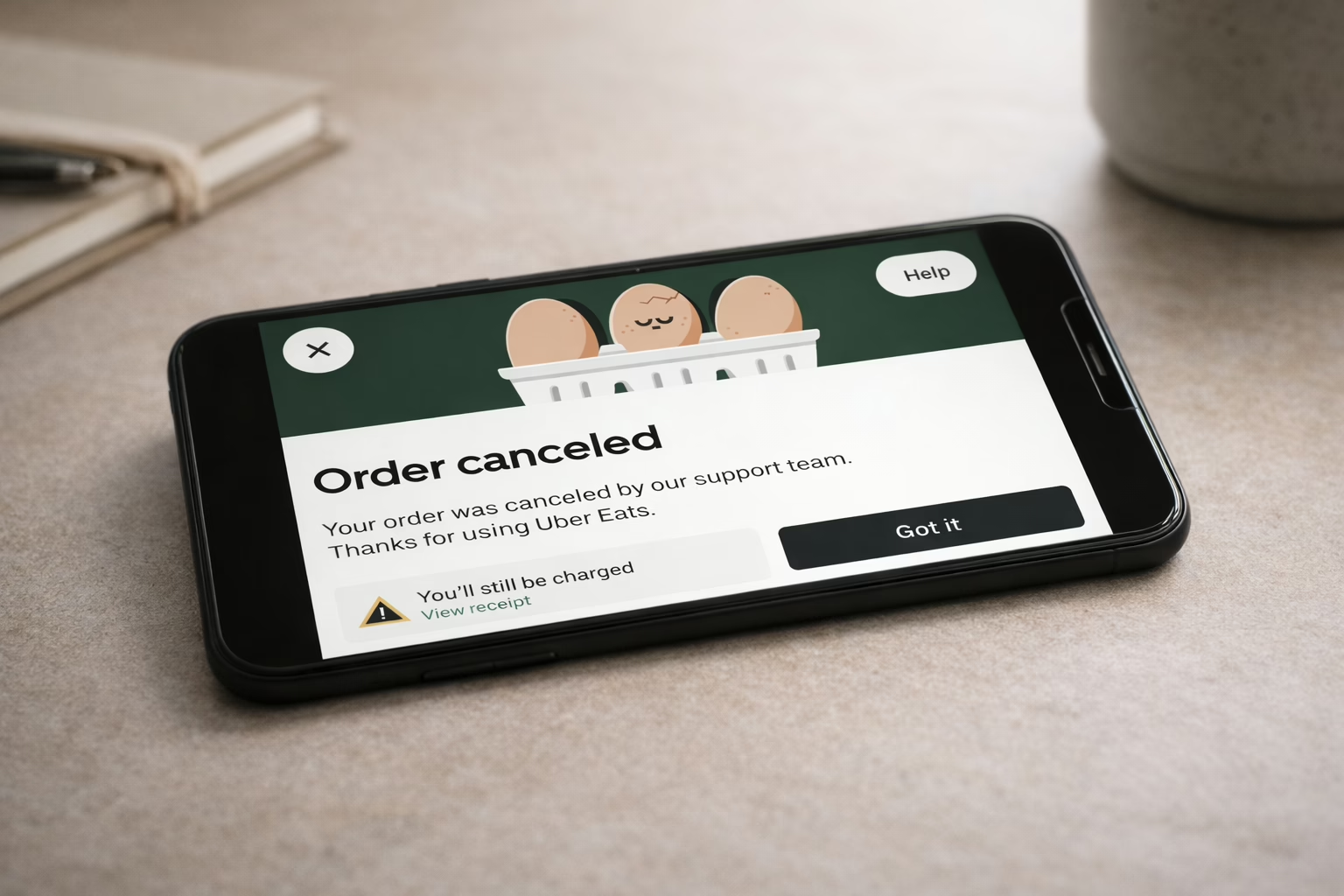
Canceling an Uber Eats order feels simple until the timing is off. One minute you place the order, the next you realize the address is wrong or you changed your mind. What happens next depends on how fast you act and how far the order has already gone.
This guide walks through how Uber Eats cancellation actually works right now. No shortcuts, no vague advice. Just what you can cancel, when refunds are possible, and how to make sure the order does not turn into an unexpected charge.
First Thing To Know: Cancellation And Refunds Are Not The Same
Many people assume that canceling an order automatically means getting their money back. That is not always true.
Uber Eats treats cancellation and refunds as two separate things. You may be allowed to cancel an order, but whether you get a full refund, a partial refund, or nothing at all depends on timing.
Here is the key distinction:
- Canceling stops the order from continuing
- Refunds depend on how far the order has progressed
- Once a restaurant accepts the order, full refunds are usually no longer guaranteed
Understanding this difference upfront prevents most frustration later.
How Uber Eats Orders Move After You Place Them
Uber Eats orders move quickly, often faster than people expect. As soon as you place an order, it is sent to the restaurant without delay. Many restaurants accept orders automatically, which means food preparation can begin within minutes. Shortly after acceptance, a courier is assigned to handle the delivery.
That moment of acceptance is the most important point in the entire cancellation process. Once it happens, refund options change and cancellation becomes more limited.
How To Cancel An Uber Eats Order In The App
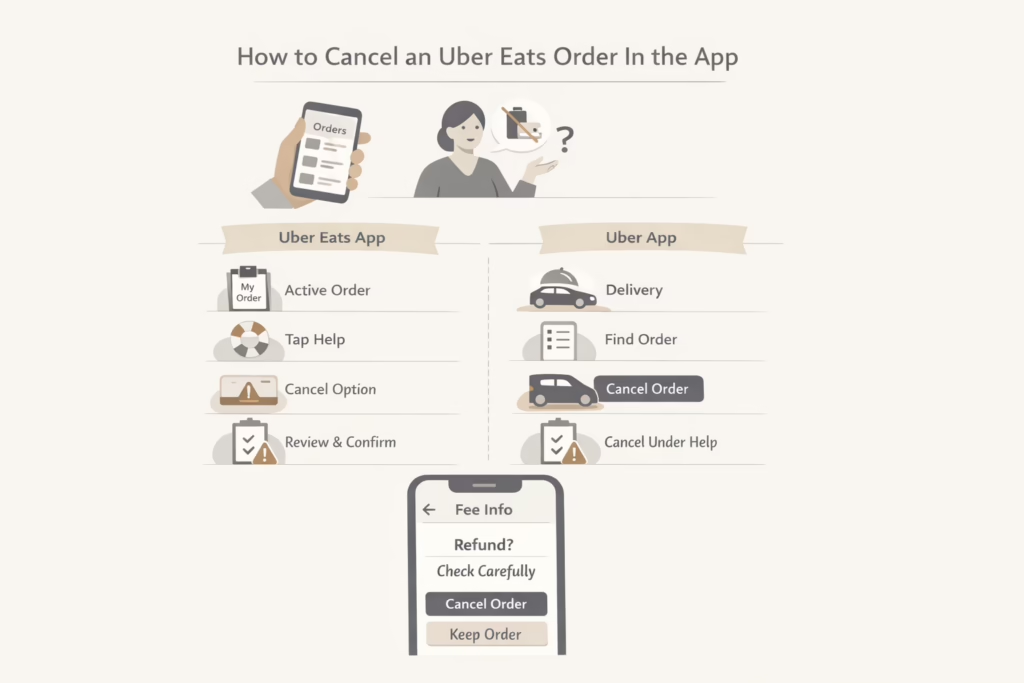
Canceling through the app is the only reliable way to stop an order. Calling the restaurant or messaging the courier does not cancel anything on Uber’s side.
Canceling Through The Uber Eats App
Follow these steps carefully:
- Open the Uber Eats app and sign in
- Go to Orders and select your active order
- Tap Help on the order screen
- Choose Cancel Order if the option is available
- Follow the on-screen confirmation steps
Before confirming, the app will tell you whether fees apply. Read that screen closely. Closing it without confirming does nothing.
Canceling Through The Uber App
If you ordered through the main Uber app:
- Open the Uber app
- Tap Delivery to access Uber Eats
- Go to Activity and select the active order
- Scroll to find Cancel Order under the help section
- Confirm cancellation if allowed
The refund rules are the same in both apps.
When You Will Get A Full Refund
A full refund is only guaranteed if you cancel before the restaurant accepts your order.
In reality, this window can be very short. Some restaurants accept orders almost instantly. That is why acting fast matters so much.
You will receive a full refund if:
- You cancel before the restaurant accepts the order
- The restaurant cancels the order themselves
- Uber Eats fails to deliver the order at all
If the app shows that a full refund is available, that information is accurate at the moment you see it.
When You Might Get A Partial Refund
Once the restaurant has accepted the order, refunds become conditional rather than automatic. At this stage, Uber Eats looks at how far the order has progressed before deciding what can be returned.
If you cancel after food preparation has started but before the courier picks up the order, you may receive a partial refund. This often includes delivery fees or some service-related charges, while the cost of the food itself and certain processing fees may still apply.
Before you confirm the cancellation, the app will clearly show what will be refunded and what will not. Take a moment to read this screen carefully. If the terms do not work for you, it is better not to proceed with the cancellation.
Why The Cancel Option Sometimes Disappears
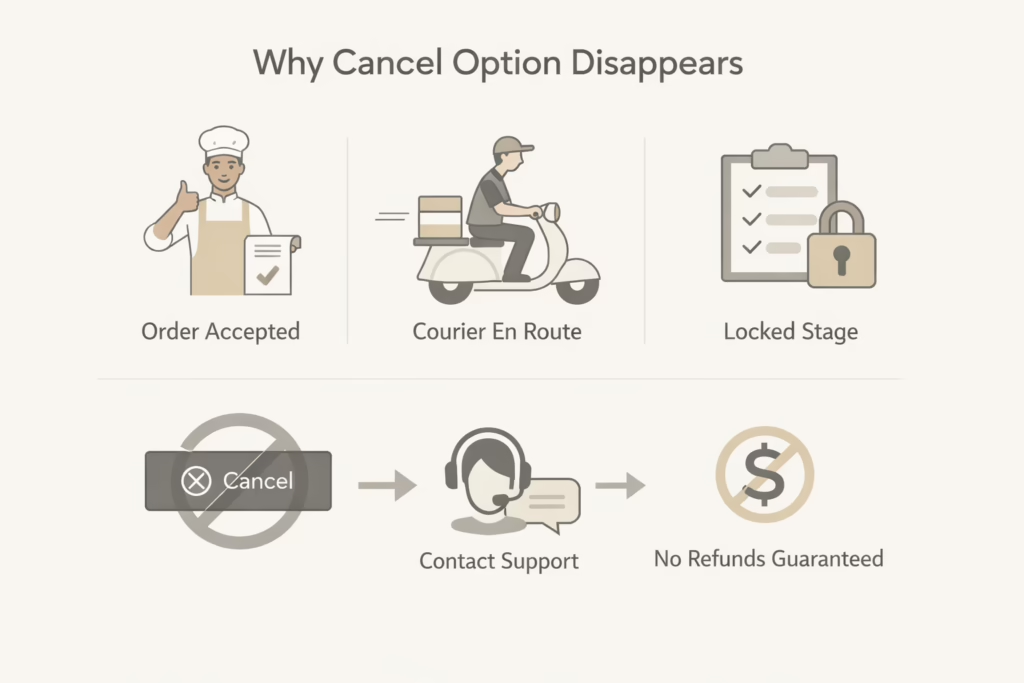
One of the most common complaints is that the cancel button is suddenly gone.
This usually happens because:
- The restaurant has already accepted the order
- The courier is on the way or has arrived
- The order has reached a locked stage in the system
At that point, cancellation is no longer self-service. You must contact support, and refunds are no longer guaranteed.
What To Do If You Cannot Cancel In The App
If the cancel option is unavailable, do not assume you are out of options.
Use the in-app help chat and explain the situation clearly. This is especially important if:
- The delivery address is incorrect
- The order is delayed far beyond the estimate
- There is a technical issue with the app
Uber Eats support can sometimes offer credits or refunds, but outcomes vary based on timing and order status.
Fixing Problems Without Canceling The Order
Not every issue requires cancellation.
Incorrect Delivery Address
If the restaurant has not accepted the order yet, you may be able to update the address directly in the app.
Once the order is accepted, address changes are limited and may not be possible.
Long Delivery Times
If the order is taking longer than the estimated delivery window, you may be eligible for a refund even if you do not cancel.
Always check the estimated time shown in the app before taking action.
Common Mistakes That Lead To Unexpected Charges
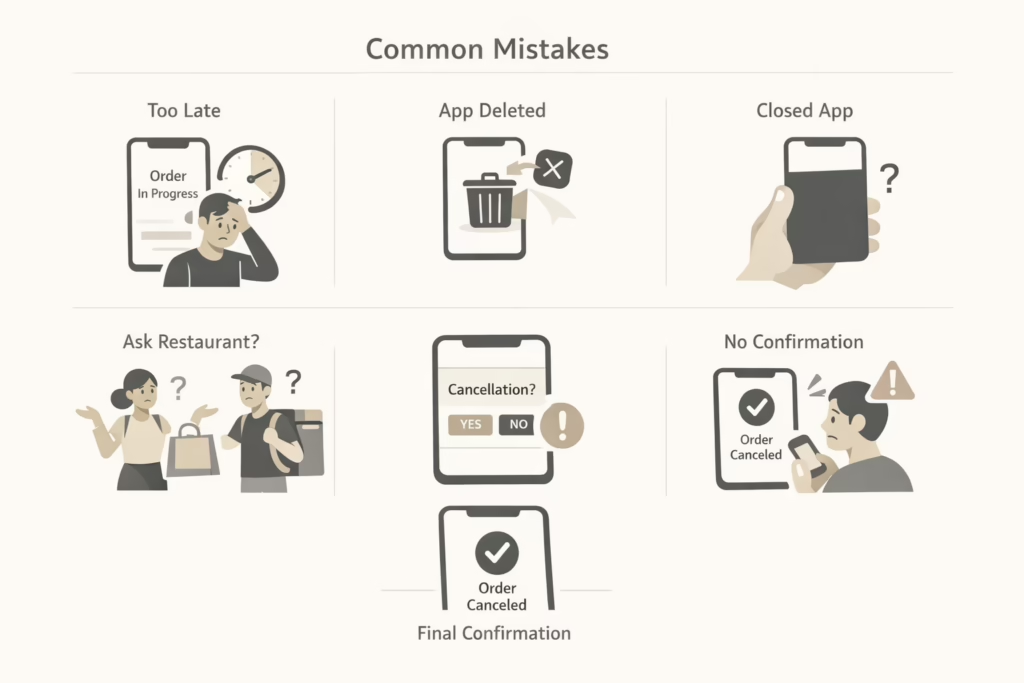
Most billing surprises on Uber Eats do not come from hidden rules. They come from a handful of predictable mistakes that happen again and again.
- Waiting too long to cancel. Even a short delay can push the order past the point where refunds are available. Uber Eats moves fast, and hesitation often costs money.
- Assuming deleting the app cancels the order. Removing the app or closing it does nothing. The order continues unless it is canceled inside the app itself.
- Closing the app without confirming cancellation. Tapping around the help screen is not enough. If you do not reach the final confirmation step, the order stays active.
- Expecting the restaurant or courier to cancel for you. Restaurants and couriers cannot stop an order in Uber’s system once it is accepted. Only the app or support can do that.
- Skipping the cancellation confirmation screen. Many people rush past this step. The confirmation is the only proof that the cancellation actually went through.
Every successful cancellation ends with clear confirmation. If you do not see it, assume the order is still active and act immediately.
How To Confirm That Cancellation Actually Worked
After canceling an Uber Eats order, take a moment to double-check that it actually went through. Go back to the Orders section and make sure the order no longer shows as active or in progress. If it is still visible, the cancellation may not have completed. You should also check your email for a cancellation notice, which serves as proof that the order was successfully stopped.
It is also a good idea to review your payment method for any pending or completed charges. Some transactions may appear temporarily before being reversed, but anything that looks unclear should be addressed right away. If something does not line up, contact Uber Eats support as soon as possible. Delays make billing disputes harder to resolve.
How Refund Timing Works
Refunds are not always instant.
Depending on your payment method, it may take several business days for refunded amounts to appear. Partial refunds can look confusing at first because only certain charges are returned.
If a refund does not show up after a reasonable time, use the help section and reference the order directly.
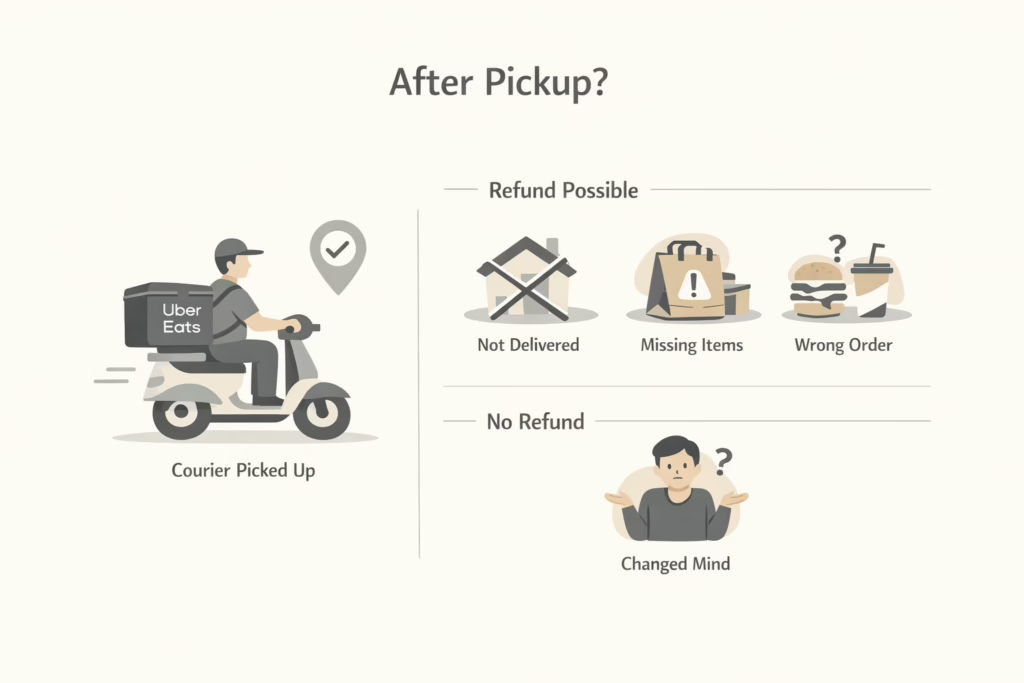
What Happens If The Courier Already Picked Up The Order
Once the courier has picked up your food, cancellation is usually no longer possible.
At that point, Uber Eats considers the service underway. Refunds after pickup typically apply only if:
- The order is not delivered
- The order is missing items
- The order is significantly incorrect
Changing your mind alone is not enough once pickup happens.
Canceling Versus Reporting A Problem After Delivery
If the food has already arrived and something is wrong, cancellation is no longer the right path. At that point, the order is considered completed, even if items are missing, incorrect, or not up to standard. Trying to cancel after delivery usually leads nowhere and only adds confusion.
Instead, report the issue through the app after delivery. Uber Eats often provides partial refunds or account credits for problems like missing items, incorrect orders, or quality concerns. This process follows different rules than cancellation and is handled as a post-delivery issue rather than an order reversal.
Why Timing Is The Single Most Important Factor
Uber Eats is designed for speed, and that speed leaves very little room for hesitation. Orders move from placement to preparation quickly, sometimes in seconds. Once the restaurant accepts the order, refund options become limited or disappear entirely.
If you think you might need to cancel, act immediately. Even a short delay can change the outcome. Most negative experiences with Uber Eats cancellations come from waiting too long, not from unclear rules or hidden policies.
Final Thoughts
Canceling an Uber Eats order is not complicated, but it is precise. The system moves fast, and refunds depend entirely on timing.
If you understand how the order progresses, cancel directly in the app, and always confirm the result, billing surprises are rare.
Slow down for a moment before confirming an order. And if something feels off, act quickly. That single habit prevents most problems.
Frequently Asked Questions
Can I cancel an Uber Eats order at any time?
You can attempt to cancel an Uber Eats order at any point, but whether the option is available depends on the order status. If the restaurant has not accepted the order yet, cancellation is usually possible and often comes with a full refund. Once the order is accepted, cancellation may still be allowed, but refunds become limited or unavailable.
Will I get a refund if I cancel my Uber Eats order?
Refund eligibility depends on timing. Canceling before the restaurant accepts the order typically results in a full refund. If you cancel after acceptance, you may receive a partial refund or no refund at all. The app will clearly show what will be refunded before you confirm the cancellation.
Why is the cancel option missing in my app?
The cancel option usually disappears once the order moves past a certain stage. This often happens after the restaurant accepts the order or when a courier is already assigned. At that point, the order is considered in progress and cannot always be canceled through the app.
Does deleting the Uber Eats app cancel my order?
No. Deleting the app or closing it does not cancel an active order. The order will continue unless it is canceled directly through the app or resolved through Uber Eats support.
Can the restaurant or courier cancel my order for me?
In most cases, no. Restaurants and couriers cannot cancel an order once it has been accepted in Uber Eats’ system. Cancellation must be done through the app or by contacting support if the option is no longer available.