

Canceling Fabletics is not difficult, but it is easy to do wrong if you rush it. Many people think deleting the app or skipping a month is enough, only to see another charge appear later. That usually comes down to where the subscription lives and when the cancellation actually takes effect.
This guide walks through how Fabletics cancellation really works. No pressure language and no shortcuts that quietly fail. Just the steps that matter, what to confirm before you cancel, and how to make sure the membership actually ends when you expect it to.
What Canceling Fabletics Actually Does
Canceling Fabletics usually stops future billing rather than ending access immediately. If you have already paid for the current month, you will typically keep VIP access until that billing period comes to an end.
This detail causes a lot of unnecessary worry. Many people cancel, log back into their account, and still see VIP status, which makes them think the cancellation failed. In most cases, that is normal and expected behavior. Cancellation turns off automatic monthly renewals, but it does not reverse charges that have already been processed, and it does not remove access you have already paid for.
Understanding this upfront helps avoid panic, repeat cancellation attempts, and unnecessary support requests that do not actually change the outcome.
Why Billing Surprises Usually Happen
Billing surprises around Fabletics tend to follow the same patterns.
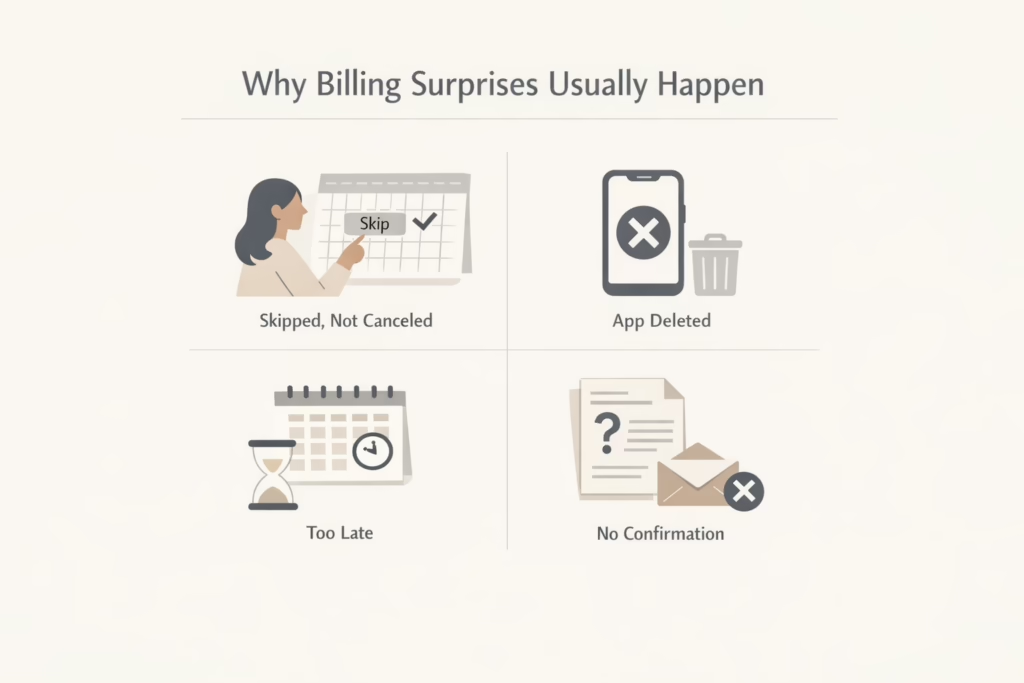
The most common issues come from confusing cancellation with skipping, canceling after the billing cutoff, or assuming the app controls the subscription.
Here is what typically goes wrong:
- Skipping a month instead of canceling entirely
- Deleting the app and assuming billing stops
- Canceling after the monthly deadline
- Not checking for confirmation
None of these mean Fabletics ignored a request. They usually mean the cancellation never fully took effect.
How Fabletics Membership Billing Works
Fabletics VIP membership charges a monthly fee that turns into a member credit. While that credit can be used toward purchases, it is still a charge and it follows a strict monthly cycle.
At the start of each month, a new billing period begins. During that time, you can shop using your membership benefits, choose to skip the month, or take no action at all. If nothing is done by the cutoff date, the monthly charge applies automatically.
Skipping the month only avoids the charge for that specific cycle. It does not cancel the membership or stop future billing. Canceling the membership is the only way to prevent charges from continuing long term. Timing matters more than most people expect, and missing the cutoff by even a day can result in one more charge.
Ways To Cancel Your Fabletics Membership
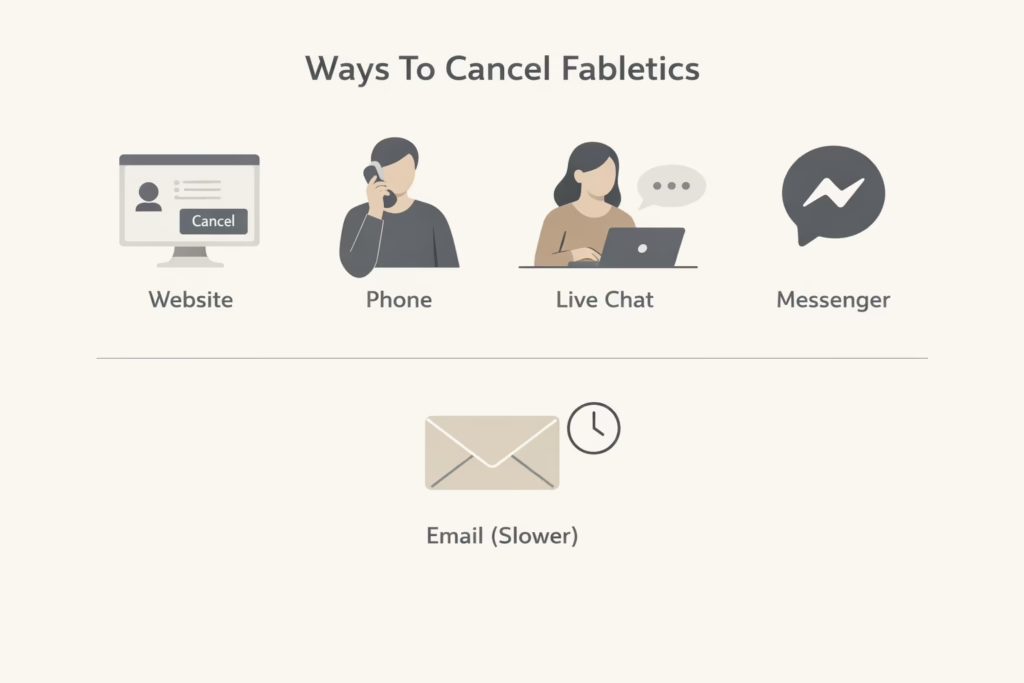
Fabletics allows cancellation through several official channels. All of them work, but some are easier than others. You can cancel through your account on the Fabletics website, by phone with customer service, via live chat on the website, through Facebook Messenger, or by email.
The mobile apps do not support cancellation directly, which is one of the most common sources of confusion.
How To Cancel Fabletics Online Through Your Account
Canceling online is usually the fastest and cleanest option.
Follow these steps carefully:
- Open a web browser and go to the Fabletics website
- Log in using your email and password
- Go to your account or VIP membership section
- Scroll until you find the membership management or cancellation option
- Click cancel and follow the prompts
- Decline retention offers if you want to proceed
- Continue until you see a final confirmation screen
Do not exit early. If you leave before the final confirmation, the membership may remain active.
Always check your email for a cancellation notice after finishing.
How To Cancel Fabletics By Phone
Phone cancellation is useful if you want real-time confirmation or have billing questions.
To cancel by phone:
- Call the customer service number listed on the Fabletics website
- Have your account email and details ready
- Request cancellation of your VIP membership
- Stay on the call until the representative confirms it is complete
This method works well if you are close to a billing deadline and want immediate reassurance.
How To Cancel Using Live Chat Or Messenger
Live chat is often faster than phone support and provides a written record.
To cancel using live chat:
- Go to the Fabletics website
- Open the live chat option
- Navigate past the bot if needed
- Request cancellation clearly
- Ask for confirmation once completed
Facebook Messenger works in a similar way:
- Open the official Fabletics Facebook page
- Start a message conversation
- Verify your account details
- Request cancellation
- Save the confirmation message
Written confirmation is useful if billing issues appear later.
How To Cancel Fabletics By Email
Email cancellation is allowed but slower.
If you choose this method:
- Send an email to the official Fabletics support address
- Include your full name and account email
- Clearly state that you want to cancel your VIP membership
- Ask for written confirmation
Because responses may take time, this option is risky if you are close to the monthly billing cutoff.
What To Check Before You Cancel
Before canceling, it is worth taking a moment to review your account. This step is easy to skip, but it often makes the difference between a clean exit and leaving value behind. Fabletics membership benefits and billing are tied to timing, so knowing where you stand helps you decide when to cancel, not just how.
Look at whether you have unused member credits, check your next billing date, and confirm where you are in the current cycle. If you still have credits available, it may make sense to use them first. Once the membership is canceled, access to certain benefits can change, and those credits may no longer be as useful.
What Happens After You Cancel
After cancellation, a few things may still look active. That is normal.
You may notice:
- VIP access until the end of the current billing period
- No further monthly charges scheduled
- The ability to shop at regular prices
Canceling does not delete your account. It simply ends the membership.
How To Confirm That Cancellation Actually Worked
Never rely on assumption alone.
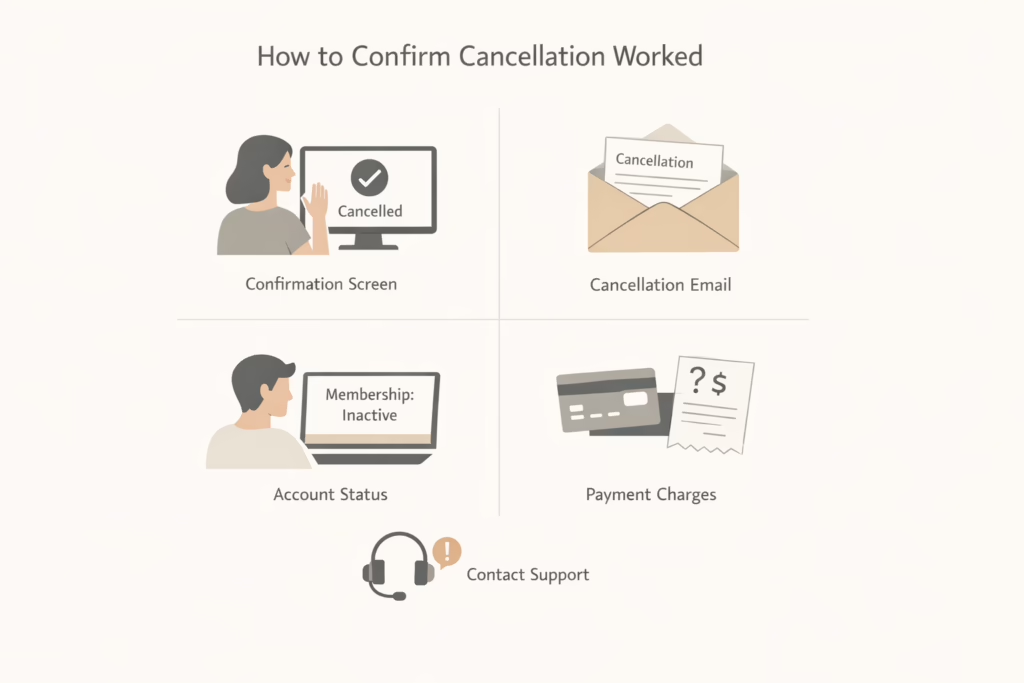
After canceling, always do the following:
- Look for an on-screen confirmation message
- Check your email for a cancellation notice
- Log back into your account and review membership status
- Monitor your payment method for new charges
If something looks wrong, contact support immediately. The sooner you act, the easier it is to fix.
Can You Rejoin Fabletics Later
Canceling your Fabletics membership does not permanently close your account. If you decide to come back later, rejoining is usually simple, and your order history and account details are often still there. This can be helpful if you plan to shop again in the future without starting from scratch.
Just keep in mind that reactivating your membership restarts monthly billing under the current terms. Pricing, benefits, or policies may differ from what you had before, so it is worth reviewing the details at the time you rejoin.
Common Mistakes That Lead To Extra Charges
Most billing issues with Fabletics come from a small set of repeat mistakes. They are easy to make, especially if you are canceling quickly or assuming the process works like other subscriptions. Understanding these errors ahead of time makes it much easier to avoid unexpected charges.
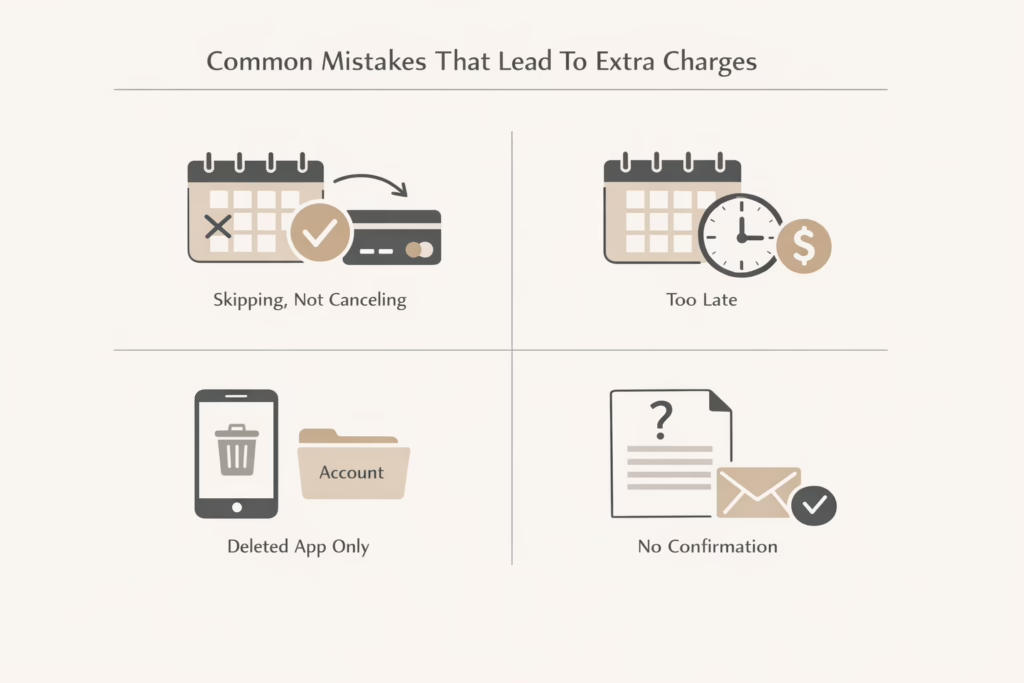
These are the problems that show up most often:
- Skipping instead of canceling: Skipping a month only avoids the charge for that single billing cycle. The membership stays active and billing resumes automatically the next month unless you cancel.
- Canceling after the billing deadline: Fabletics uses a monthly cutoff. If you cancel after that point, the current charge usually still applies, even if the cancellation is completed right away.
- Deleting the app instead of ending the membership: Removing the app from your phone does not affect your subscription. Billing is tied to your account, not the app itself.
- Not saving confirmation: Without a confirmation screen or email, it is difficult to prove when a cancellation happened. This can complicate disputes if a charge appears later.
Avoiding these mistakes prevents nearly all billing surprises and makes the cancellation process far less stressful.
Final Thoughts
Canceling Fabletics is straightforward once you understand how the system works. The most important factors are timing, canceling in the right place, and confirming the result. Most problems come from rushing through the process or assuming one step does more than it actually does.
Taking a few extra minutes to review your account, cancel properly, and save confirmation can prevent frustration later. Done carefully, cancellation is clean, predictable, and free of unwanted charges.
Frequently Asked Questions
Can I cancel my Fabletics membership at any time?
Yes. You can cancel your Fabletics VIP membership at any time. There are no cancellation fees. The main thing to watch is timing. Canceling stops future billing, but charges already processed usually remain.
Will I get a refund if I cancel in the middle of the month?
No. Fabletics does not offer refunds for partially used billing periods. If you cancel after a monthly charge has already gone through, you typically keep access until the end of that period, but the charge itself is not reversed.
Does skipping a month cancel my Fabletics membership?
No. Skipping a month only avoids the charge for that specific month. The membership stays active and billing resumes automatically the following month unless you cancel.
Can I cancel Fabletics through the mobile app?
No. The Fabletics mobile apps do not support cancellation. You must cancel through a web browser, live chat, phone support, Messenger, or email.
What happens to my member credits after I cancel?
Policies can change, but unused credits may expire or become less useful after cancellation. If you have credits available, it is usually best to use them before canceling to avoid losing value.