
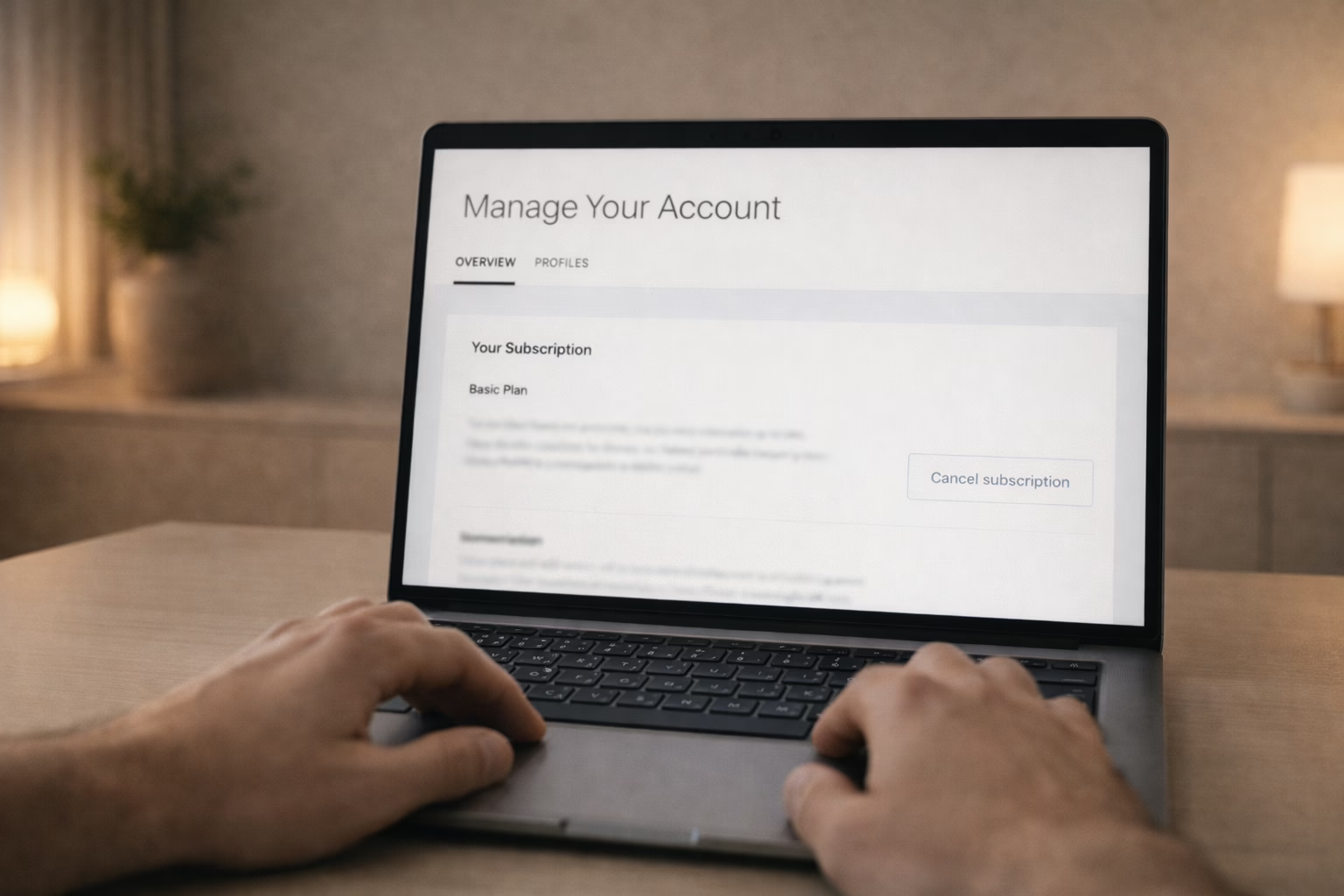
Maybe you’re switching streaming platforms. Maybe you’re just not watching enough to justify the monthly charge. Whatever the reason, canceling Hulu is pretty straightforward – if you know where to click. The trick is understanding how you’re billed and what happens afterward. In this guide, we’ll walk through the steps, flag the things that trip people up, and show you what to expect once you hit that cancel button. No fluff, no confusion.
Before You Cancel: A Few Things to Know
Not every Hulu account is created equal. Canceling Hulu works differently depending on how you signed up. Some people pay Hulu directly, others go through platforms like Apple, Roku, Amazon, or Google. Some get Hulu as part of a bundle with Disney+, ESPN+, or HBO Max.
Also, keep in mind that canceling Hulu does not delete your Hulu account. If you want to fully delete your data or Disney account, that’s a different process.
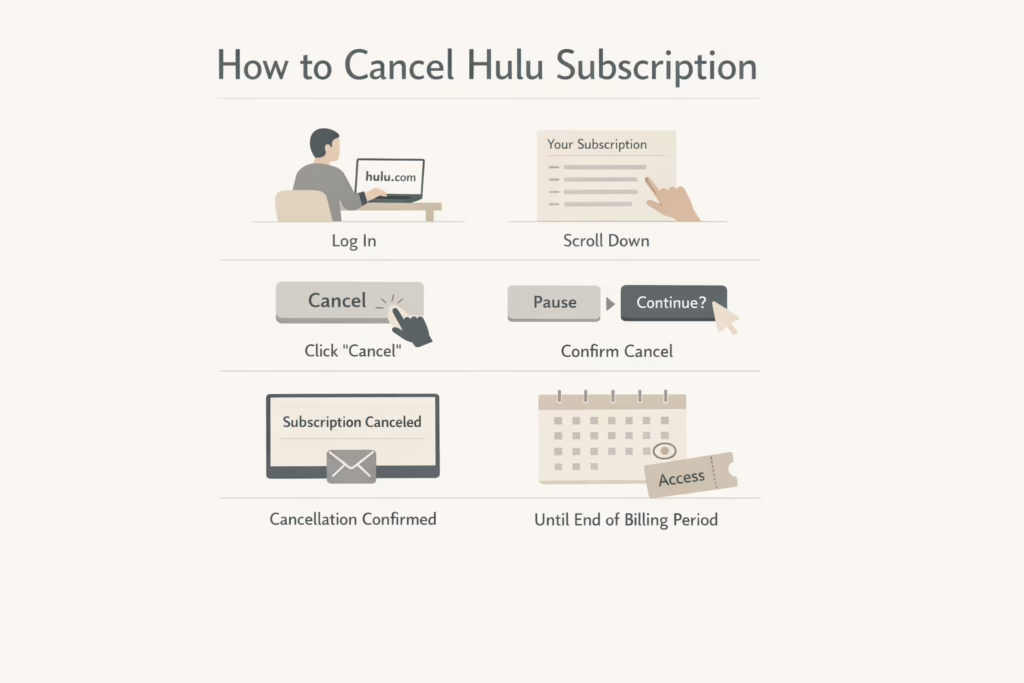
How to Cancel If You’re Billed Through Hulu
If you signed up directly on hulu.com or through the app using a credit card, this is the process to follow:
Step-by-step on desktop or mobile browser:
- Log into your account at hulu.com/account
- Scroll to the “Your Subscription” section
- Click Cancel
- Hulu will offer to pause your plan instead – if you’re sure, click Continue to Cancel
- On the final page, click Cancel Subscription
After canceling, you’ll see a note on your account page that says “Your subscription will be canceled.” Hulu also emails you a confirmation – don’t delete it just yet, in case anything odd shows up on your bill later.
Important: you keep access to Hulu until the end of your billing period. If you’re on a free trial, you won’t be charged, but you still get to use it until it expires. Hulu + Live TV trials end immediately when canceled.
Canceling Through a Bundle Plan
Some users get Hulu as part of a bundle with Disney+ or ESPN+, which makes things a bit trickier.
Here’s what to expect:
- Canceling one service doesn’t automatically cancel the entire bundle.
- If you originally paid separately for Hulu or ESPN+ and later upgraded to a bundle, your old subscription may kick back in once you cancel the bundle.
- In some cases, you may stop getting credits toward the bundle when you cancel individual services.
So what should you do? If you signed up through Disney+, go to your Disney+ account settings to cancel or manage the bundle. If you added HBO Max as an add-on through Hulu, you can manage or cancel it directly from your Hulu account settings. To avoid getting double billed, make sure to check if the individual subscriptions are still active after you cancel the bundle
Canceling Hulu Through a Third Party
If you signed up through another platform, canceling works differently. Here’s where you’ll need to go instead of Hulu:
| Billing Provider | Where to Cancel |
| Apple | iPhone Settings > Subscriptions |
| Amazon | Amazon account > Memberships & Subscriptions |
| Roku | Roku website or on-device menu |
| Google Play Store > Subscriptions | |
| Verizon | My Verizon app or website |
| Spotify | Spotify account settings |
| T-Mobile / Sprint | T-Mobile account dashboard |
You can always check who bills you by logging into your Hulu account and heading to Payment Information. That’ll show the source.
Thinking of Just Pausing Instead?
If you’re not ready to fully let go of Hulu, pausing might be a better short-term move.
Hulu lets you pause for up to 12 weeks if:
- You’re billed directly through Hulu.
- You’re not on a free trial or promo plan.
When you pause, you won’t be charged during that time. Your account just stays frozen, and picks back up automatically after the pause period ends (unless you resume it earlier yourself).
What Happens After You Cancel
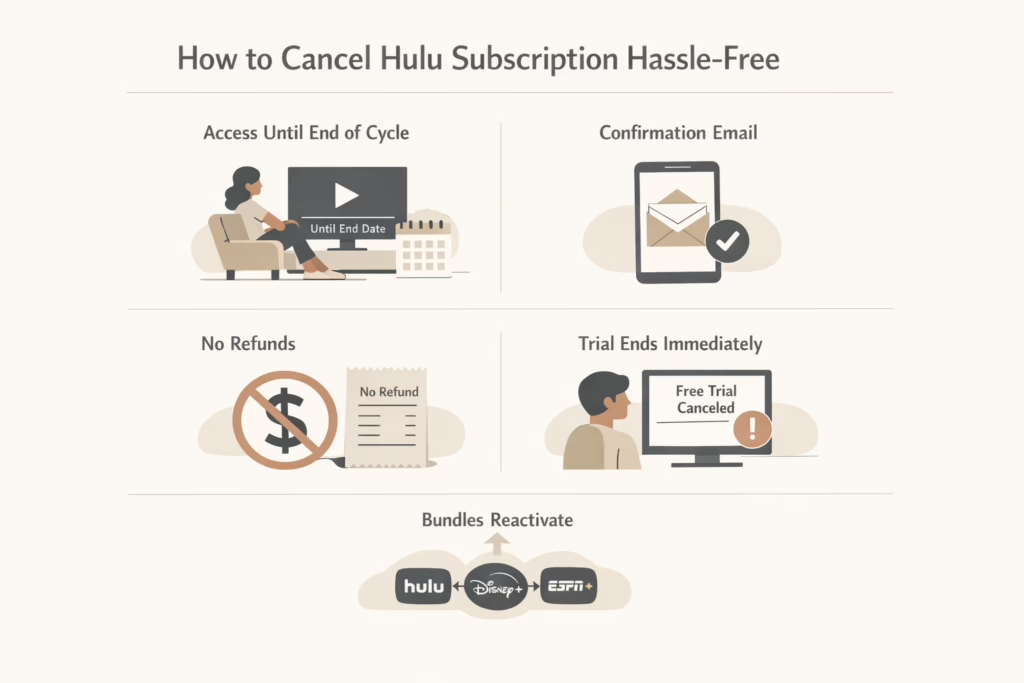
Canceling Hulu doesn’t shut off your access right away. You’ll still be able to stream until your billing cycle runs out.
You Still Have Access (For a Bit)
Canceling your Hulu subscription doesn’t pull the plug immediately. You’ll still be able to watch everything in your plan until the end of your current billing period. So if you cancel halfway through the month, you’re still good to stream until your next renewal date rolls around.
You’ll Get a Confirmation Email
After canceling, Hulu sends a confirmation email to the address linked to your account. It’s not exciting, but keep that email somewhere just in case you need proof later. Especially if you notice unexpected charges or need to confirm your cancellation date.
No Refunds for Time You Didn’t Use
Hulu doesn’t hand out refunds for unused days or weeks. Once your payment goes through, that’s it for the billing cycle. Even if you cancel the very next day, your access stays active, but your money doesn’t come back.
Trial Users: One Big Exception
If you’re on a free trial of Hulu + Live TV, things work differently. Canceling a Live TV trial ends it immediately. You won’t be able to use the remaining days, even if you had a few left. For all other trial plans, you still get to use the full trial period.
If You’re Canceling a Bundle
This part trips a lot of people up. If you signed up for Hulu as part of a bundle (like with Disney+ or ESPN+), canceling the bundle may reactivate your old individual subscriptions. In other words, you might still get charged by the original provider. Always double-check your account settings afterward to make sure everything you meant to cancel is actually canceled.
Why You’re Still Seeing Charges After Canceling
If you canceled but you’re still getting billed, here are the usual reasons:
- You paused, not canceled.
- You canceled after your billing date and got charged for the next cycle.
- You may have signed up using a different email address or through a third-party platform (like Apple or Amazon).
- You canceled one service in a bundle, but the rest stayed active.
- Your cancellation didn’t go through – maybe you didn’t click the final “Confirm” button.
Can You Get a Refund?
Hulu doesn’t officially offer refunds. But in some cases, they may issue one at their discretion. If you think you were wrongly charged, you can go to your Hulu Billing History to confirm the charge. Then, you should reach out to Hulu support and explain the situation.
Any refunds that are approved can take 7 to 10 business days to show up on your bank statement.
Tips to Avoid Billing Surprises
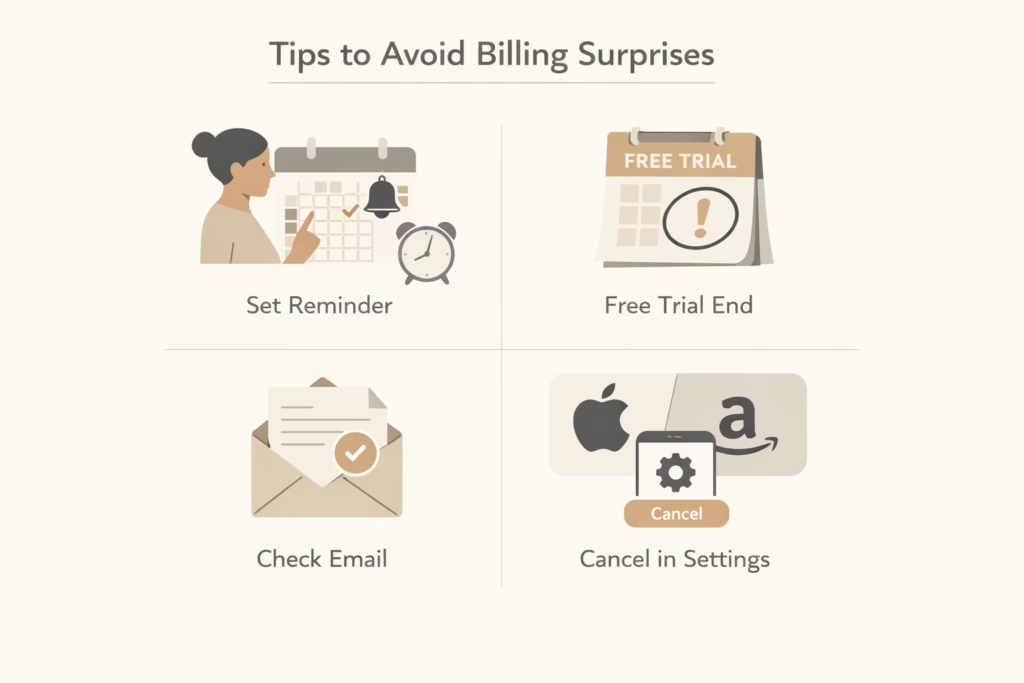
Canceling your Hulu subscription should be simple, but it’s surprisingly easy to miss a small step and end up with another unwanted charge. Whether you’re using a free trial or a paid plan, a little planning can help you avoid any last-minute surprises:
- Set a reminder to cancel before your next billing date.
- If you’re trying Hulu via a free trial, mark the end date in your calendar.
- After canceling, check your email for confirmation.
- If you signed up through Apple or Amazon, make sure you cancel directly in their settings.
Final Thoughts
Canceling Hulu isn’t as complicated as it might seem, but the experience depends a lot on how you signed up. The main thing is to double-check who’s billing you, and to follow through until you get that cancellation confirmation.
And remember: just because you canceled Hulu doesn’t mean your Disney account is gone too. If you want to delete your Hulu data entirely, you should take a separate step.
FAQ
1. Can I cancel Hulu through the mobile app?
Not exactly. You can open Hulu in your mobile browser and cancel that way, but the Hulu app itself won’t let you cancel directly. It’s a bit of a design choice that nudges you to stick around, but your best bet is heading to hulu.com/account using a browser.
2. What happens to my Hulu access after I cancel?
You’ll still have access until your current billing period ends. So if your plan renews on the 15th and you cancel on the 3rd, you can keep watching until the 15th. Just know that if you’re on a Hulu + Live TV trial, it ends right away when you cancel.
3. I thought I canceled, but I still got charged. What gives?
This usually happens if the cancellation didn’t fully go through. Hulu tends to ask you more than once if you’re sure. If you only paused your account or backed out before clicking the final confirmation, that could be it. Also, double-check that you didn’t sign up through Apple, Amazon, or another third party – you’ll need to cancel it through them too.
4. Can I restart my Hulu subscription later?
Absolutely. Hulu keeps your profile and watch history saved for a while, so if you change your mind next month or next year, you can jump back in where you left off. Just log in with your old account and pick a new plan.
5. Will I get a refund if I cancel early?
Probably not. Hulu doesn’t offer refunds for unused time. If you just got charged and didn’t use anything, you can try reaching out to support, but don’t count on an automatic refund. It’s worth asking, sometimes they make exceptions.