
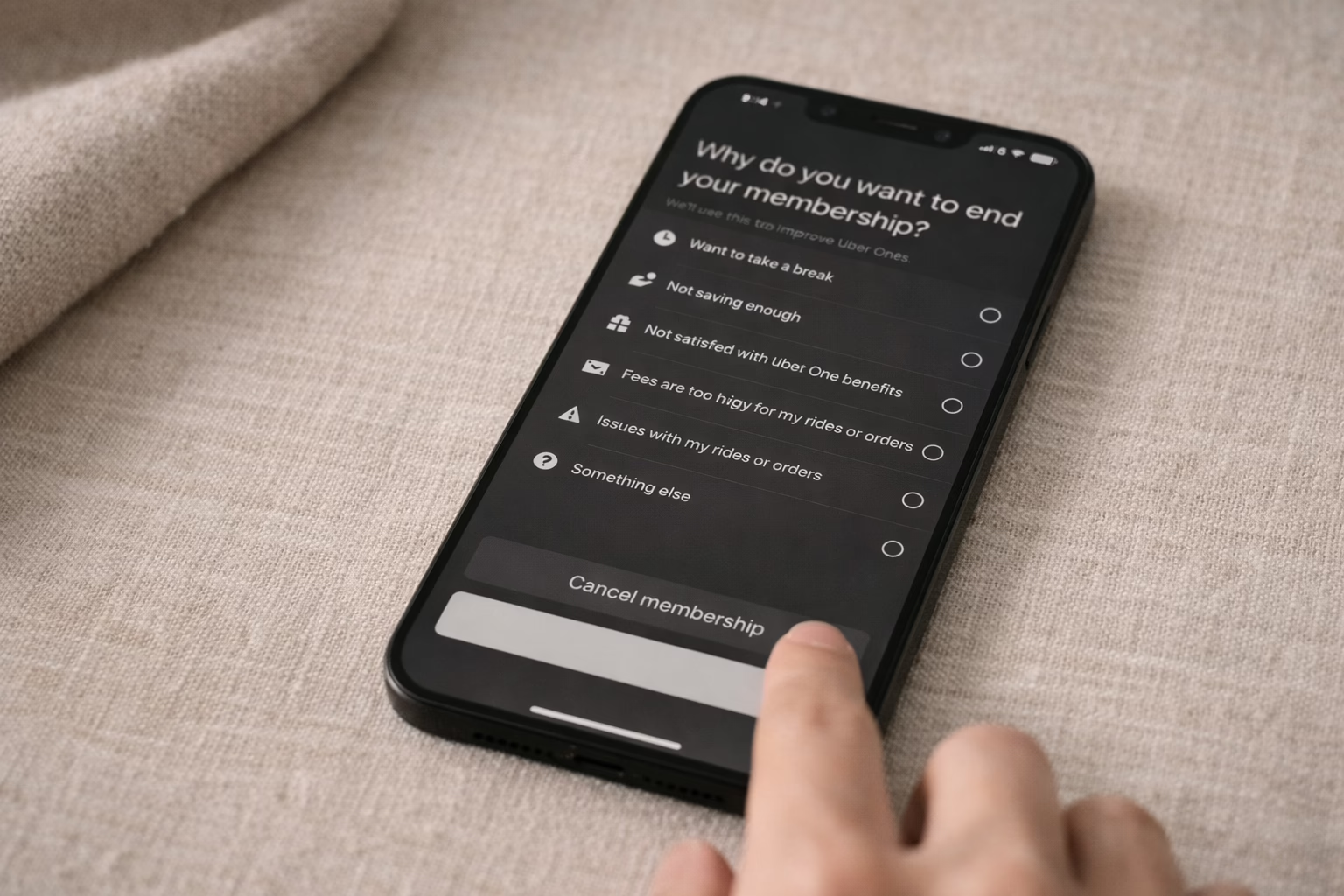
Not using Uber One as much as you thought? Happens to the best of us. Whether you’re ordering out less or just trimming subscriptions, canceling Uber One doesn’t have to be a puzzle. Uber gives you a few ways to do it, but the process still catches people off guard, especially if you’re in a trial period or signed up through a promo.
In this guide, we’ll walk through how to cancel on mobile, through Uber Eats, or on desktop, and clear up what actually happens after you hit “End Membership.” No jargon, no guessing – just the steps you need to move on.
What Exactly Is Uber One?
If you’re already a member, you probably know the basics, but let’s make sure we’re on the same page.
Uber One is a subscription service that offers perks across both Uber rides and Uber Eats. That includes:
- 5% off eligible rides and deliveries
- $0 delivery fees on select food and grocery orders
- Priority customer support
- Special promotions and limited-time offers
It replaced older programs like Uber Pass and is available in many countries, with billing options monthly or annually. In Europe, for example, it usually runs about €6.99 a month or €69.99 a year.
But the key thing to know? If you don’t use it regularly, it probably isn’t worth it. And canceling is usually quick, if you know where to look.
Common Reasons People Cancel Uber One
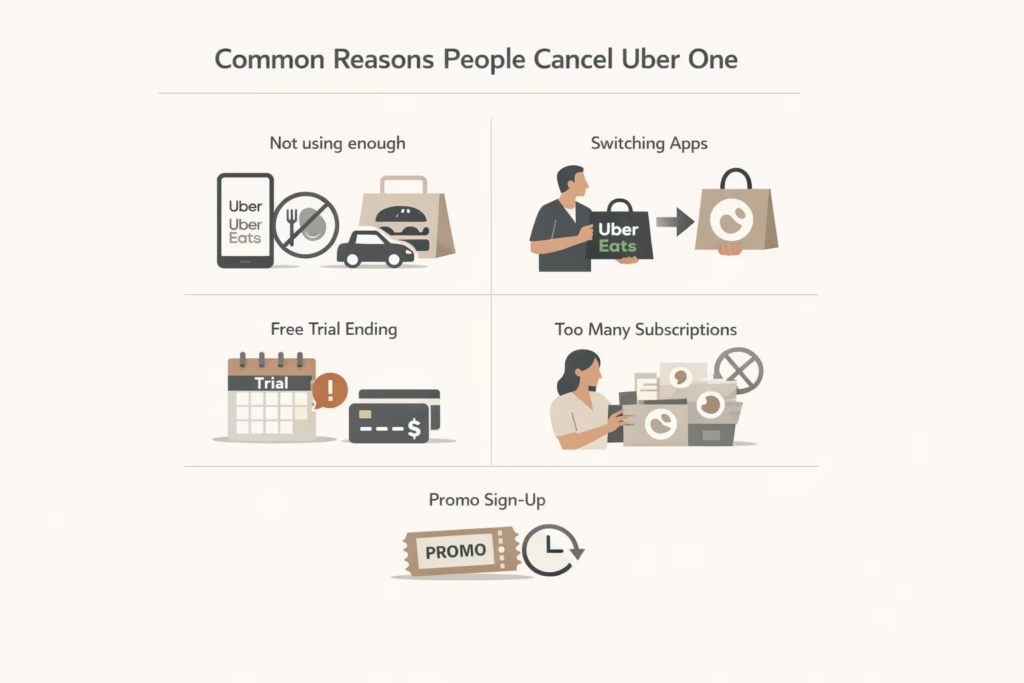
No shame in changing your mind. Most people cancel for one or more of these reasons:
- They’re not using Uber or Uber Eats enough to justify the monthly fee.
- They’re switching to other delivery apps.
- They forgot the free trial was expiring and want to avoid being charged.
- They’re cutting down on subscriptions altogether.
- They signed up through a promo and don’t want it to roll into paid billing.
Whatever your reason is, the good news is you have options. Let’s walk through each one.
How to Cancel Through the Uber App
This is the method most people use. It works on both Android and iPhone.
Steps to Cancel
To cancel subscription through app, follow these steps:
- Open the Uber app and make sure you’re logged into your account.
- Tap your profile icon in the bottom-right corner.
- Select “Uber One” from the list of menu items.
- Scroll down and tap “Manage Membership.”
- Tap “End Membership,” then confirm when prompted.
You’ll see a screen that may ask why you’re canceling. This part is optional. Just make sure you hit the final “End Membership” button, and you’re good.
What Happens Next
If you’re paying monthly, your benefits will continue until the end of the current billing cycle. If you’re still in a free trial, the benefits end right away. If you’re canceling with less than 24 hours before your renewal, you may still get charged, but Uber says it will automatically refund you.
So yes, timing matters.
Canceling Through the Uber Eats App
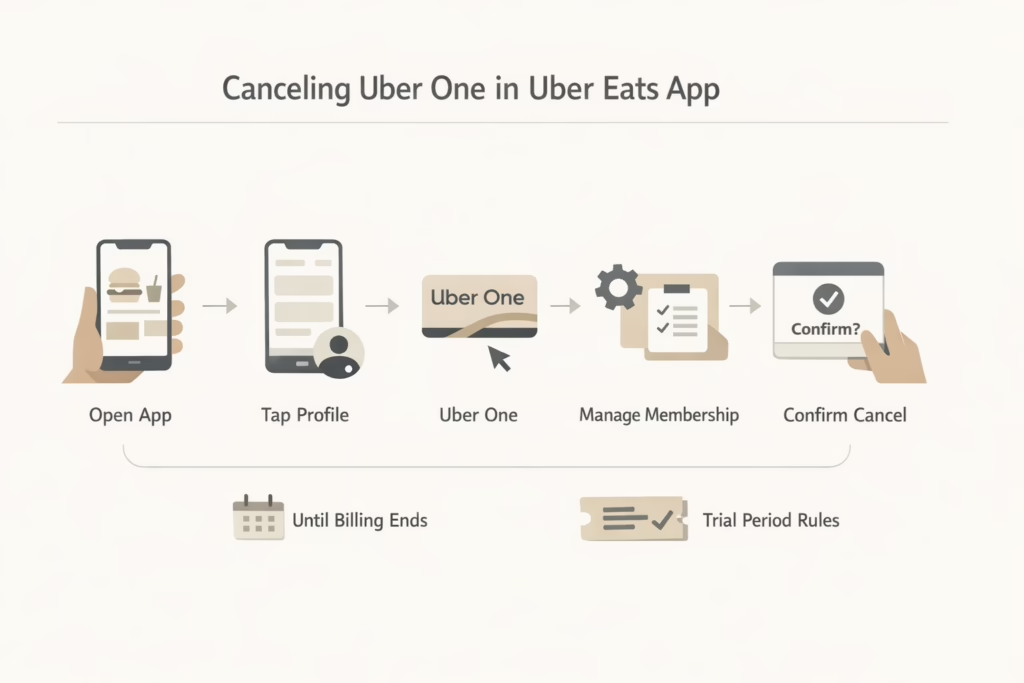
If you use Uber One mainly for food delivery, canceling from the Uber Eats app might feel more natural.
Steps to cancel:
- Open the Uber Eats app on your phone.
- Tap the profile icon in the bottom-right.
- Go to “Uber One” in your account settings.
- Tap “Manage Membership” or “End Membership.”
- Follow the on-screen steps to confirm.
Same rules apply as the main Uber app. Benefits stay active until the end of the current billing period, unless you’re in a trial.
How to Cancel on a Desktop
Some people just prefer the desktop experience, and that’s fair. Uber supports it too.
Steps to cancel via web:
- Go to uber.com and log into your account.
- Click your profile icon in the top-right corner.
- Choose “Profile” or “Account.”
- Find the “Uber One” section.
- Select “Cancel Membership” and confirm.
If you don’t see Uber One in your account, double-check that you’re using the same email or phone number associated with the subscription.
Signed Up Through a Promo or Free Trial?
This is where things can get tricky.
If you signed up through a third-party deal or limited-time offer (like a 3-month free promo), canceling during the promo won’t always cut your benefits short. Some offers continue benefits through the full promo period.
However, trials will end as soon as you cancel. If the trial came through the App Store or Google Play, the cancellation might need to go through that platform instead.
Always check the details of the promo or where the subscription was activated.
What If You’re Charged After Canceling?
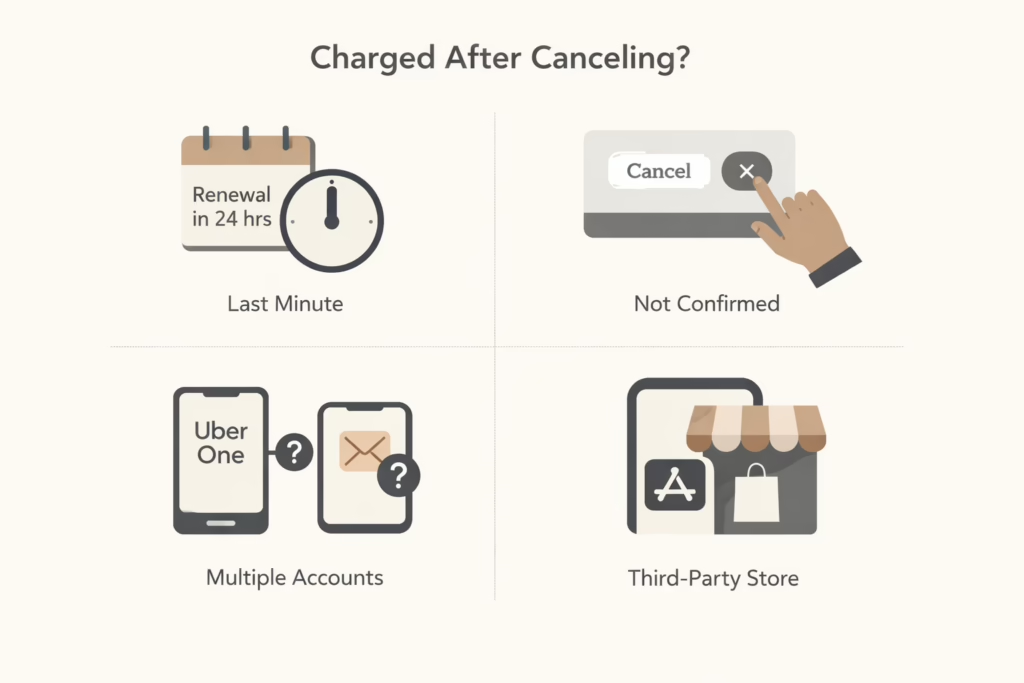
This happens more often than you’d think, and it usually boils down to one of these things:
- You canceled less than 24 hours before renewal.
- You didn’t fully confirm the cancellation.
- You had multiple Uber accounts or used different login methods (email vs phone number).
- You subscribed through a third-party app store.
What You Can Do
You can go back to the Uber One section in your app and check your membership status. You can also reach out to Uber’s customer support via the app (Help > Uber One > Contact Support).
If you used Apple or Google billing, you may need to cancel through your phone settings.
In most cases, Uber offers automatic refunds if the timing lines up. But it’s always safer to cancel at least a day or two before your billing date.
Tips to Avoid Future Surprises
Subscriptions are easy to lose track of. Here are a few quick ways to stay on top of yours:
- Set a reminder: If you’re starting a trial, add a calendar reminder a few days before it expires.
- Keep your login consistent: Using multiple Uber accounts or signing in with both phone and email can lead to confusion.
- Take screenshots: After canceling, take a quick screenshot of the confirmation just in case.
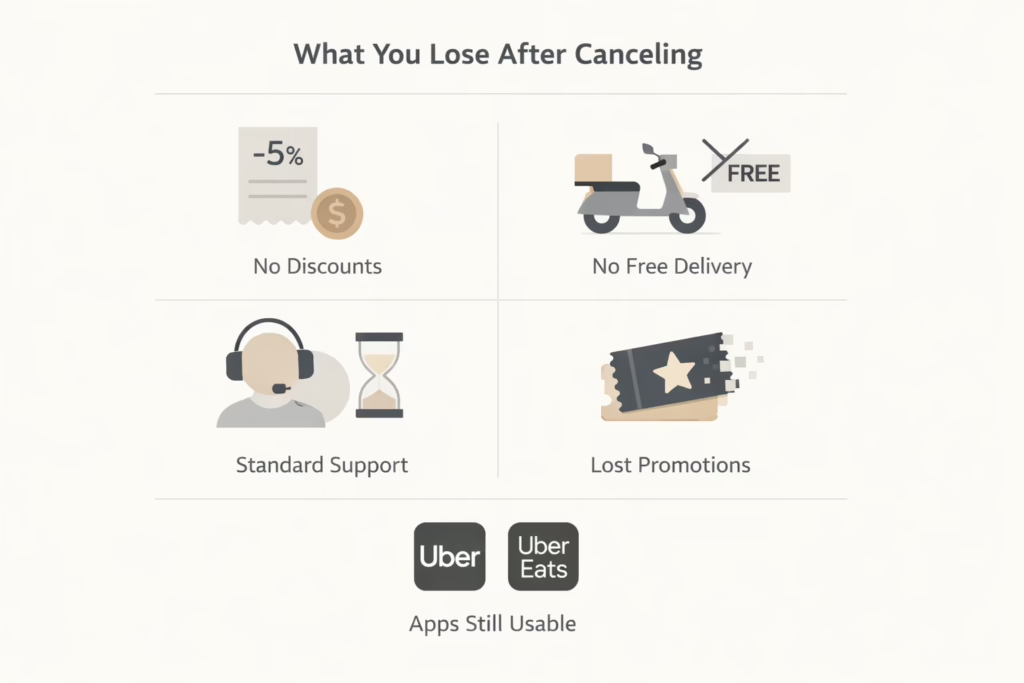
What You Lose After Canceling
Just so you know what changes after you cancel:
- You won’t get 5% off rides or orders anymore.
- Free delivery on Uber Eats goes away.
- You’ll go back to regular customer support instead of priority service.
- Any unused promotions tied to Uber One may disappear.
That said, you can still use Uber and Uber Eats like normal. Canceling the membership doesn’t lock you out of the apps.
Should You Switch to a Cheaper Plan?
There’s no scaled-down version of Uber One right now. It’s either on or off. But in some locations, you might see offers to pause your membership for a month or switch to a different pricing tier.
If you’re unsure, look for those options under “Manage Membership” before you cancel. You can always go back if you change your mind.
Final Thoughts
Canceling Uber One isn’t complicated, but it does take a few careful taps. The biggest risk? Forgetting about it until it shows up on your card again. Whether you’re cutting back on spending, switching apps, or just don’t use it enough, it makes sense to pause or cancel when it no longer fits your routine.
And if you ever change your mind? Uber will be right there waiting. No pressure, no rush.
FAQ
1. Will I still have access to Uber One benefits after canceling?
Yes, unless you’re on a free trial. If you’re a paying subscriber, your benefits stay active until the end of your billing cycle. After that, the perks – like free delivery and discounts – just quietly disappear.
2. I canceled, but I still got charged. What happened?
This usually means one of three things: you canceled too close to your renewal date, didn’t go through all the confirmation steps, or used a different account than the one being charged. Double-check your cancellation, and reach out to support if it still looks off.
3. Can I pause my Uber One membership instead of canceling?
Uber doesn’t always offer a pause option, but in some regions you might see it when managing your membership. If it’s not there, your only choice is to cancel and rejoin later if you change your mind.
4. Do I need to cancel through the App Store or Google Play?
If you subscribed through Apple or Google, then yes. You’ll need to cancel it through your phone’s subscription settings, not directly through the Uber app. That’s an important detail that trips up a lot of people.
5. What if I have multiple Uber accounts?
That’s more common than you’d think. If you’ve ever signed up using both an email and a phone number, you might have more than one account. Make sure you’re logged into the one that has the active Uber One subscription when canceling.
6. Can I get a refund if I forgot to cancel?
Sometimes. If you were charged right after a trial ended or didn’t use any benefits this cycle, it’s worth reaching out to Uber support. There’s no guarantee, but they’ve been known to issue refunds in certain cases, especially if you act fast.